
Timeshift Effect
PowerGrade and Macro for DaVinci Resolve

PowerGrade and Macro for DaVinci Resolve
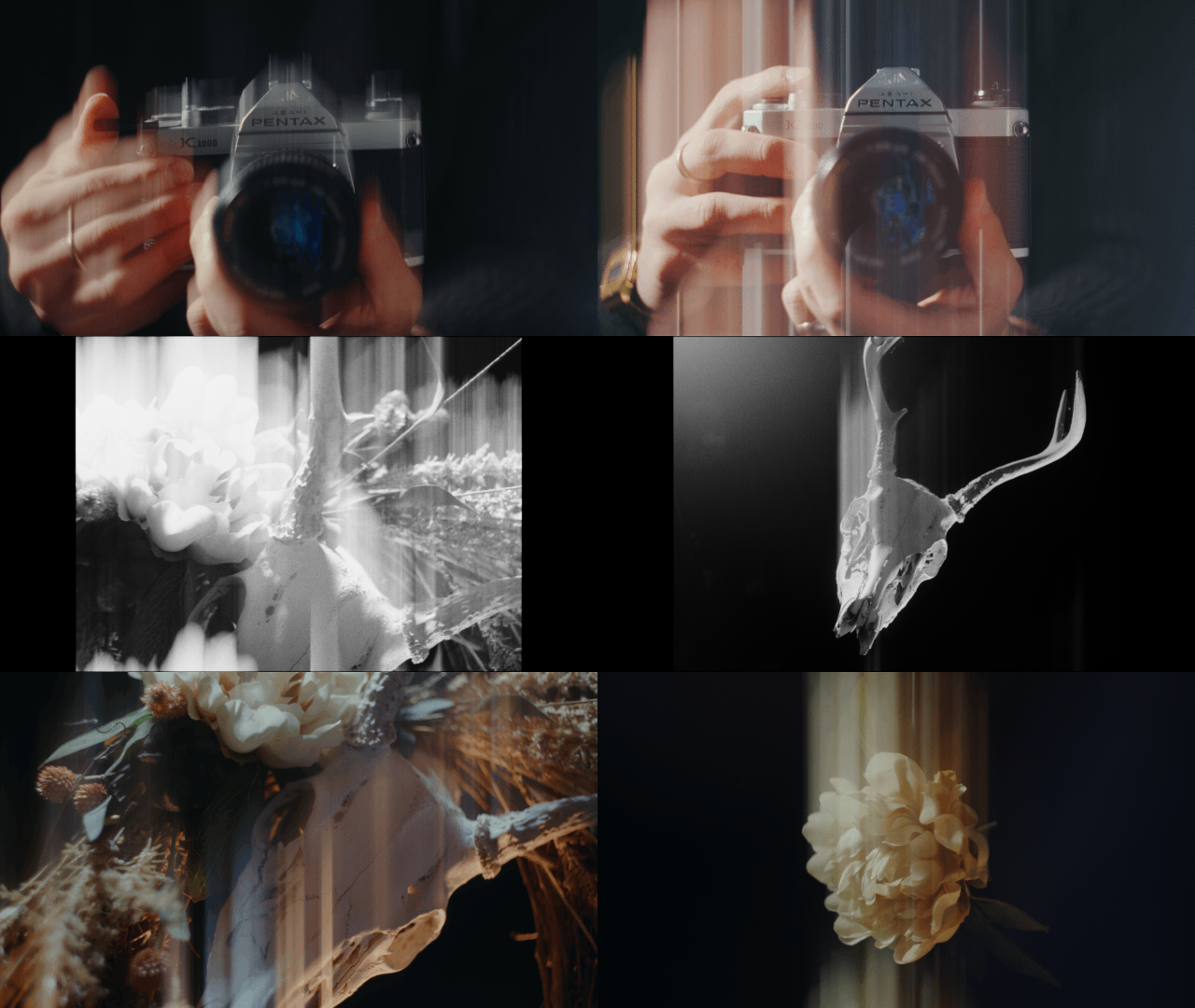
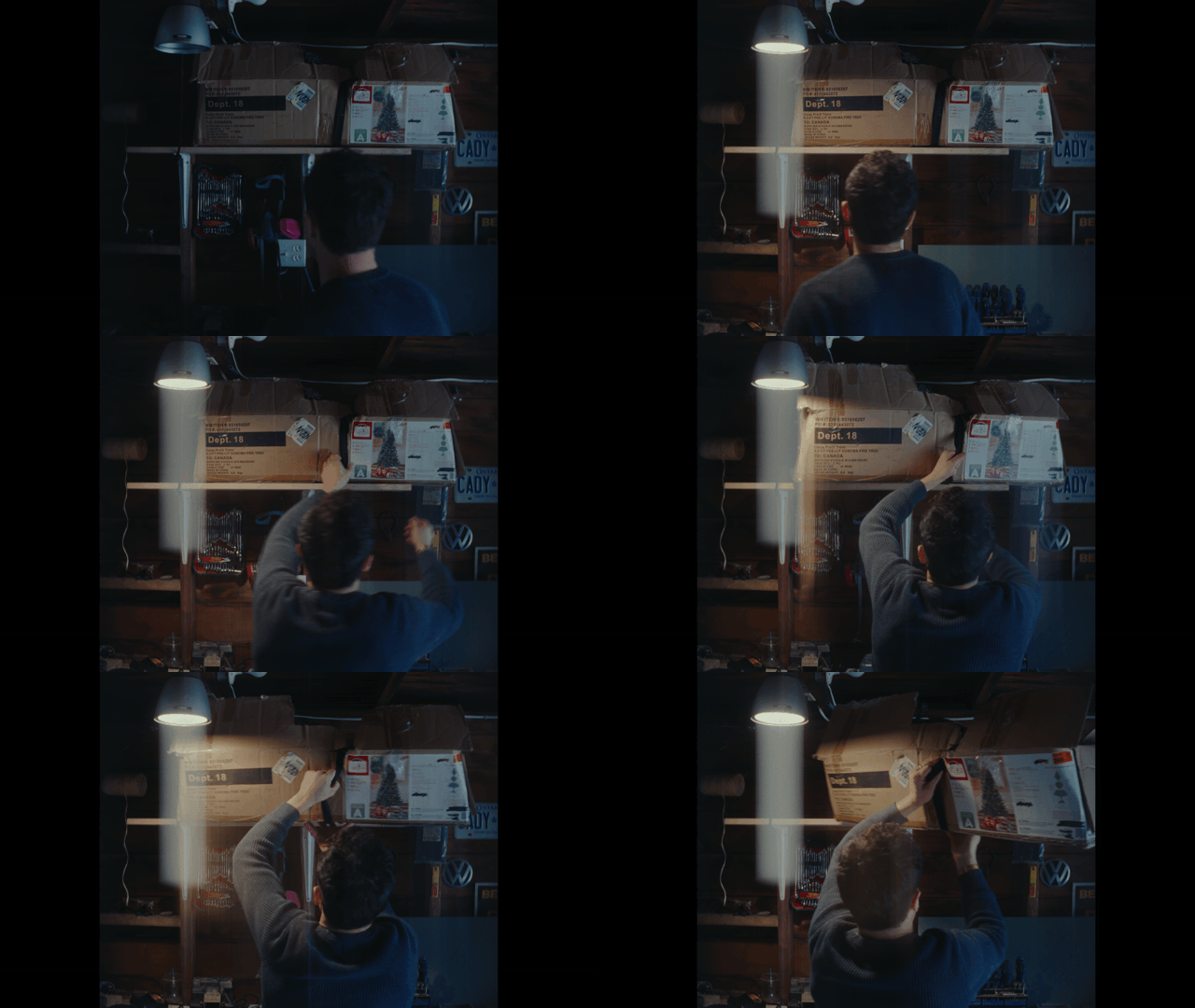
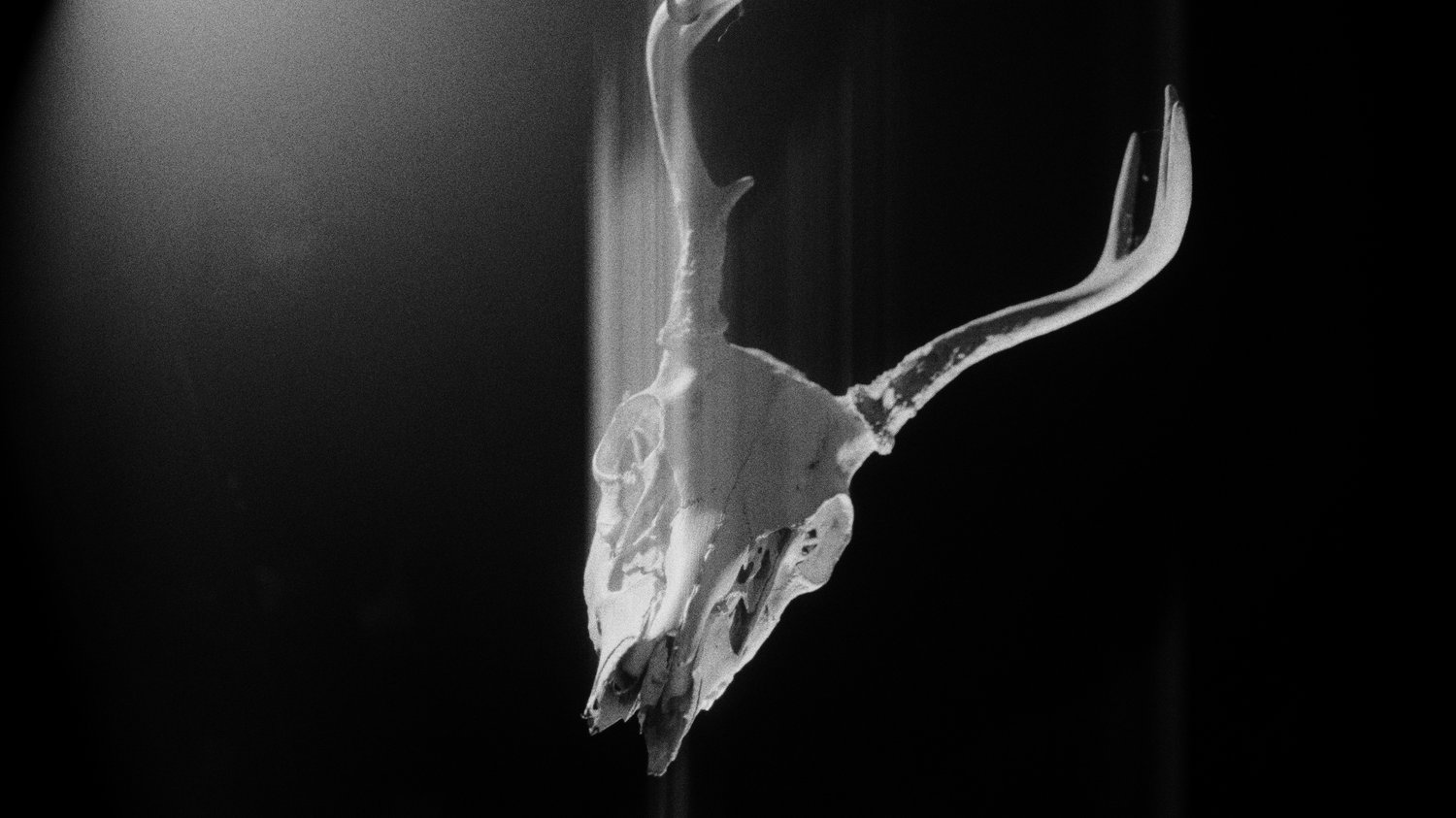
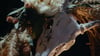
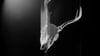
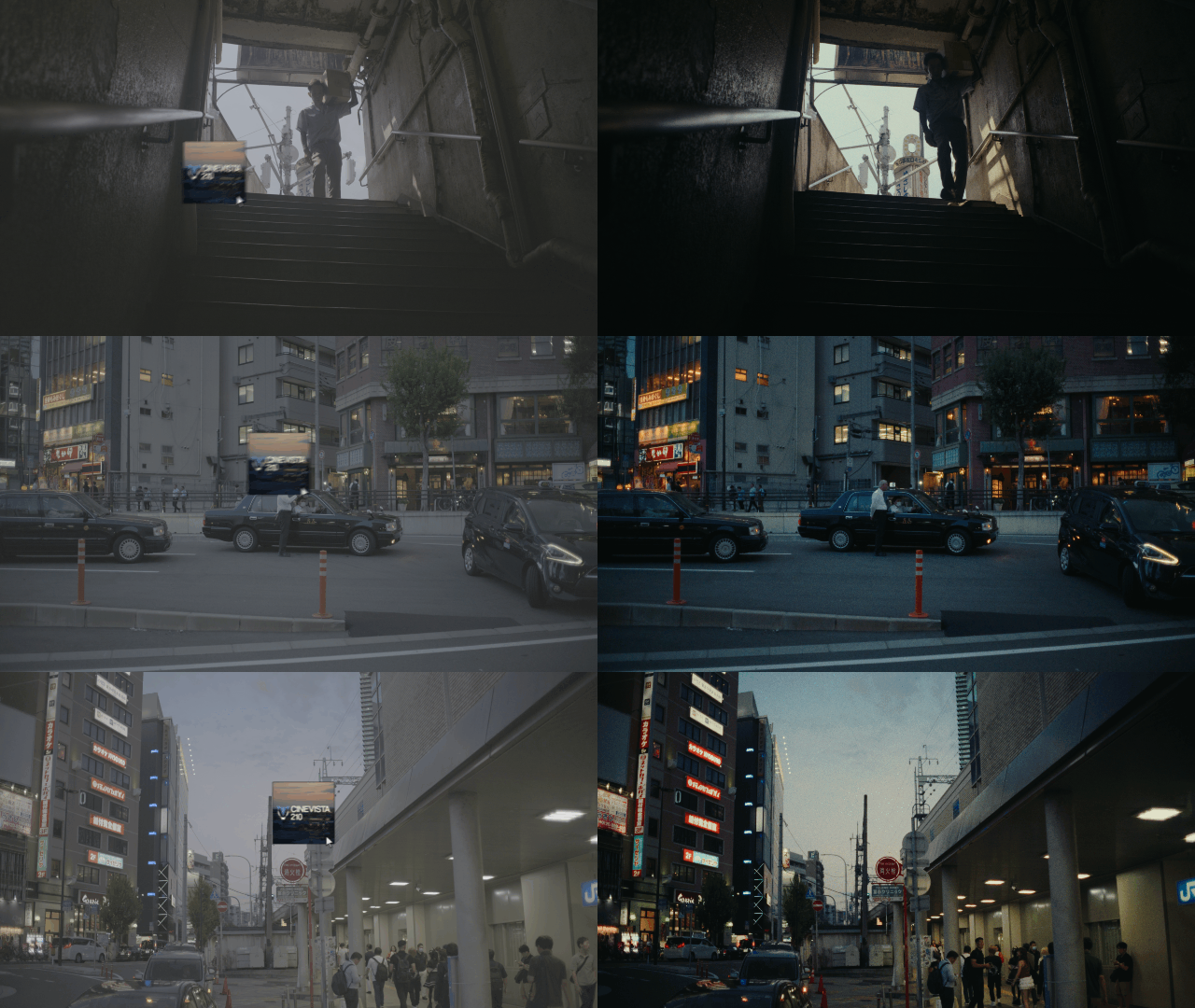
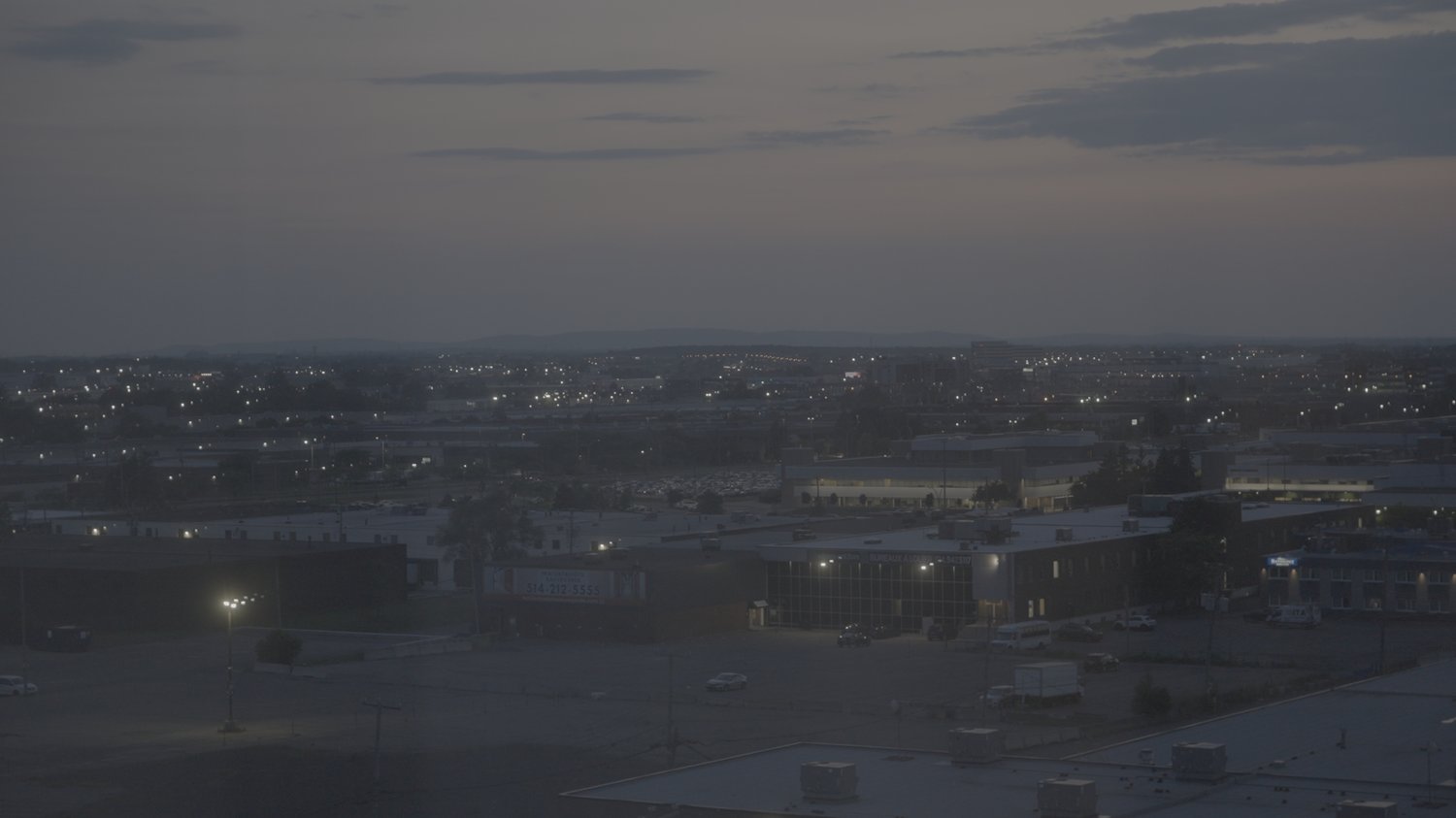
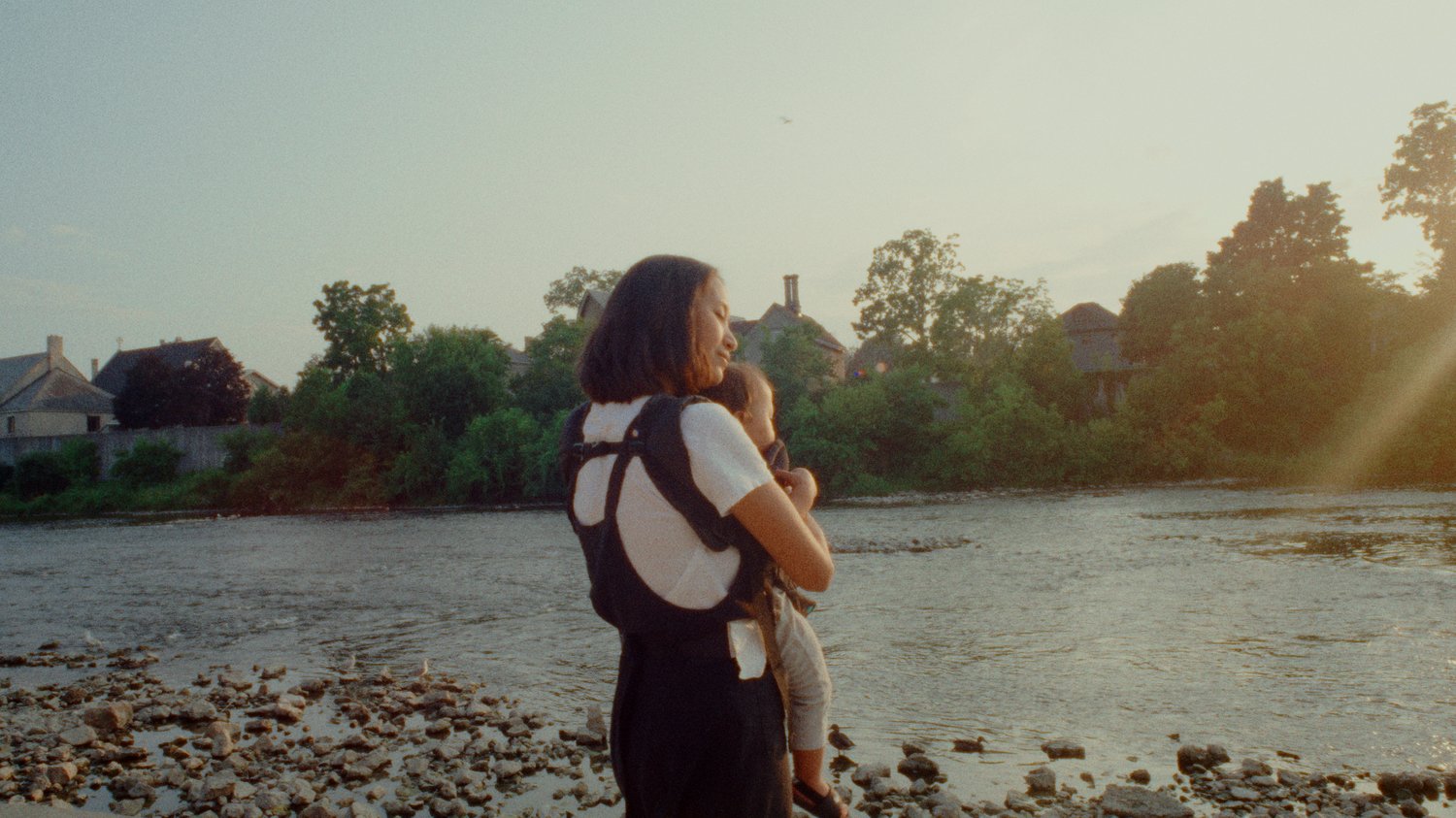
The Timeshift Effect emulates the distinctive visual glitch produced by the ARRI Timing Shift Box or an out-of-sync film camera effect.
The ARRI Timing Shift Box is a rare creative tool originally designed to simulate a camera malfunction effect. Traditionally, this unique look appears when a camera’s sensor or shutter desynchronizes, creating beautiful and unpredictable streaking, ghosting, and frame displacement.
This effect has been made popular through music videos, short films shot on film, and recently used as a creative choice by Greig Fraser on Project Hail Mary.
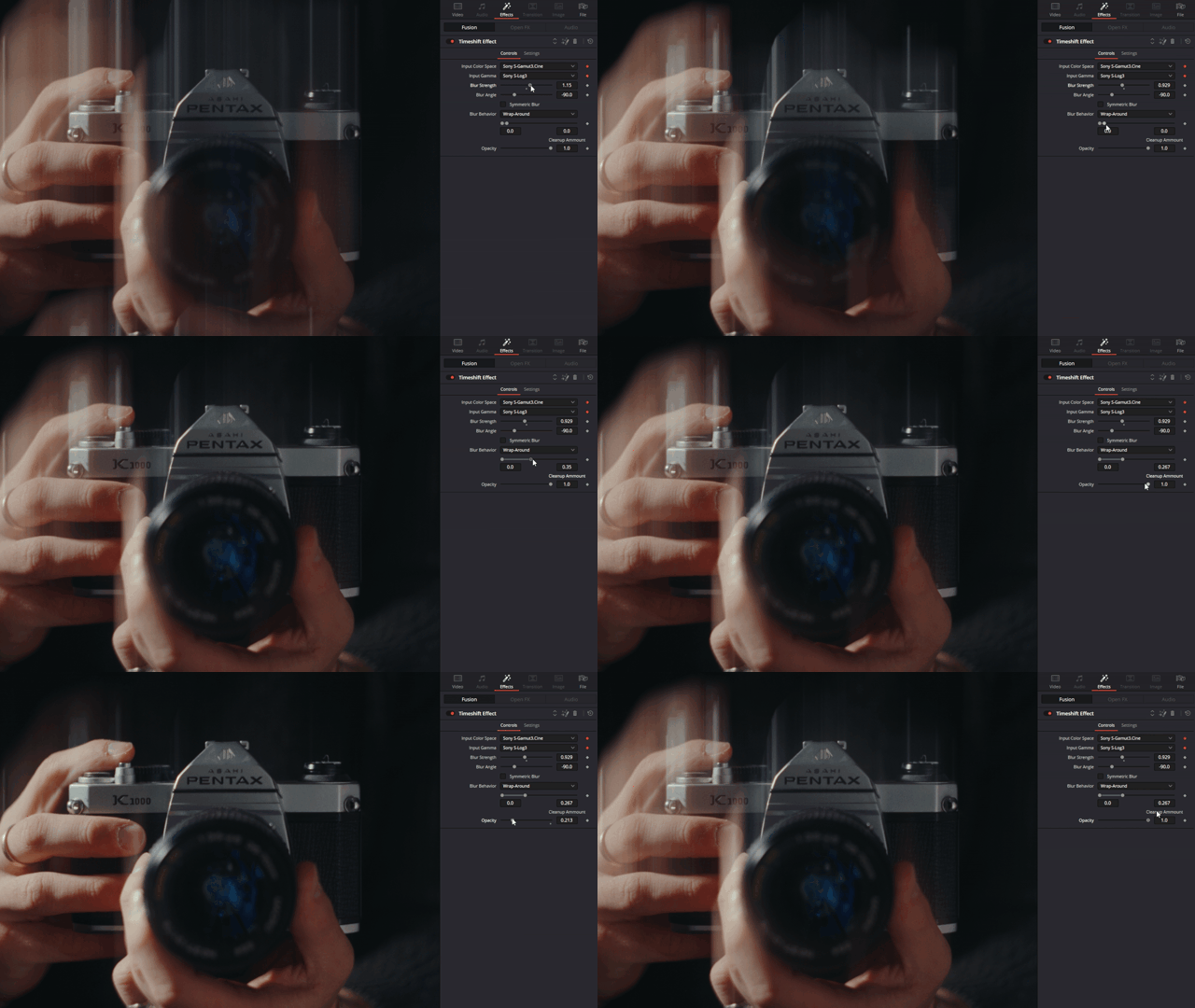
This PowerGrade and Macro recreates that same analog imperfection digitally. It works on any footage and gives you full control over the intensity, timing, and jitter of the effect. You can also keyframe the effect right from the Edit Page.
The Macro comes in two versions: the static Timeshift Effect and the Timeshift Effect with Shake. The shake version of the macro adds an unpredictable jitter to the effect that can be adjusted and keyframed to your desire.
For support or technical questions, send me an email to andriklangfield@gmail.com or Instagram DM at @andriklangfield
After receiving some feedback from you all, I've made some updates to the original Timeshift Effect. You can get the latest update by going back to your download email and downloading it again.
Currently, I don't have a solution for other software, though I'm working on putting out a video on how you can get close to the same result in Premiere Pro.
You can get similar results using a directional blur and changing the blend mode, though it will not look the same or be accurate. Exposure will also be affected.
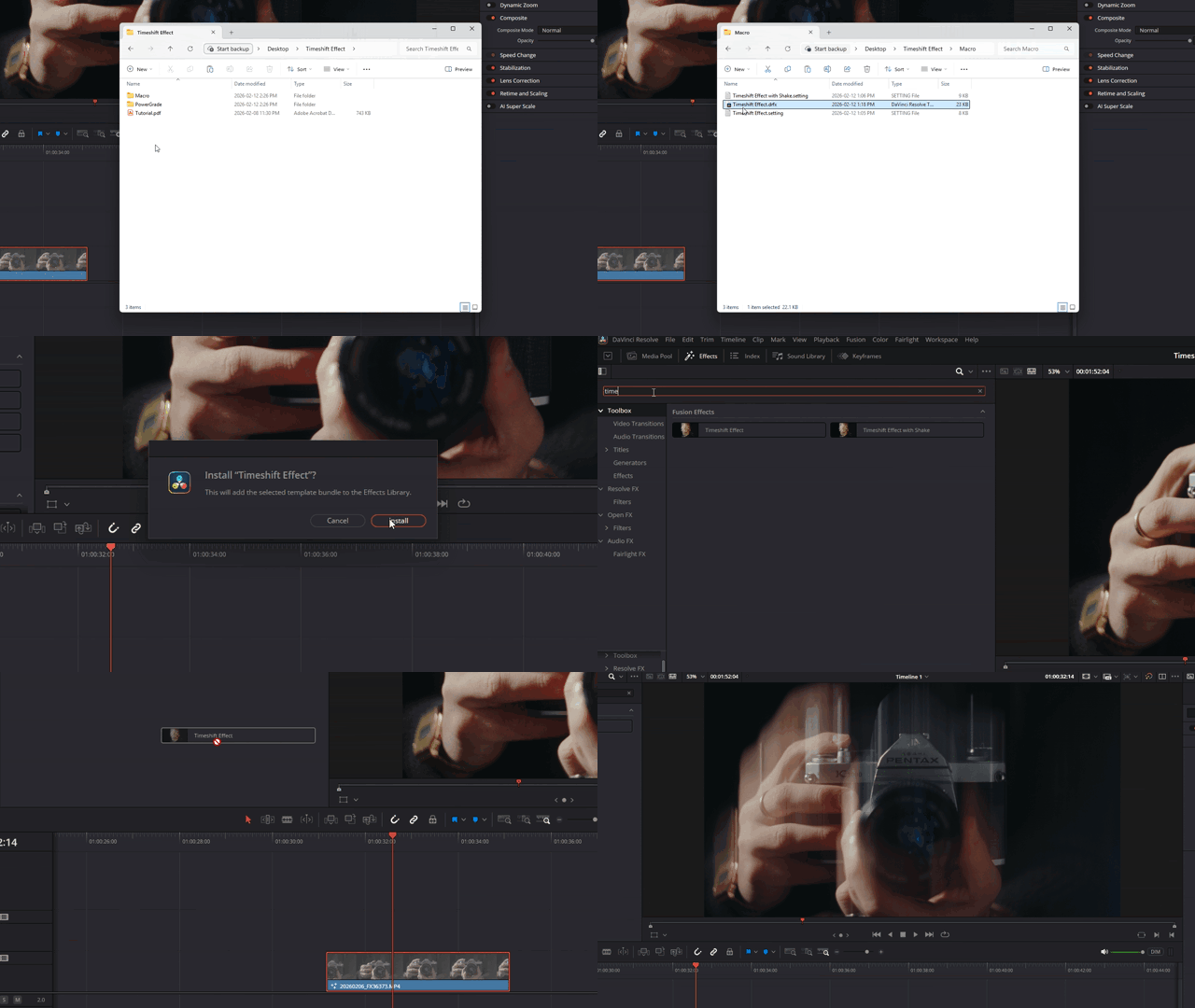
When I made the tutorial video, I had a different installation method. Since then, I've updated the effect to a .drfx file which can be double clicked to install.
If you still run into issues installing, feel free to reach out to me so I can help you solve any problems.
It’s common practice to edit in a lower resolution (like 1080p) for better performance, and then switch your timeline or export settings to a higher resolution (like 4K) when delivering your final video.
However, this can sometimes cause unexpected issues during export.
If you encounter this issue:

With the release of Version 2, installation is much easier with the included .drfx file. Simply double-click on the file, install the macro, and start using it!
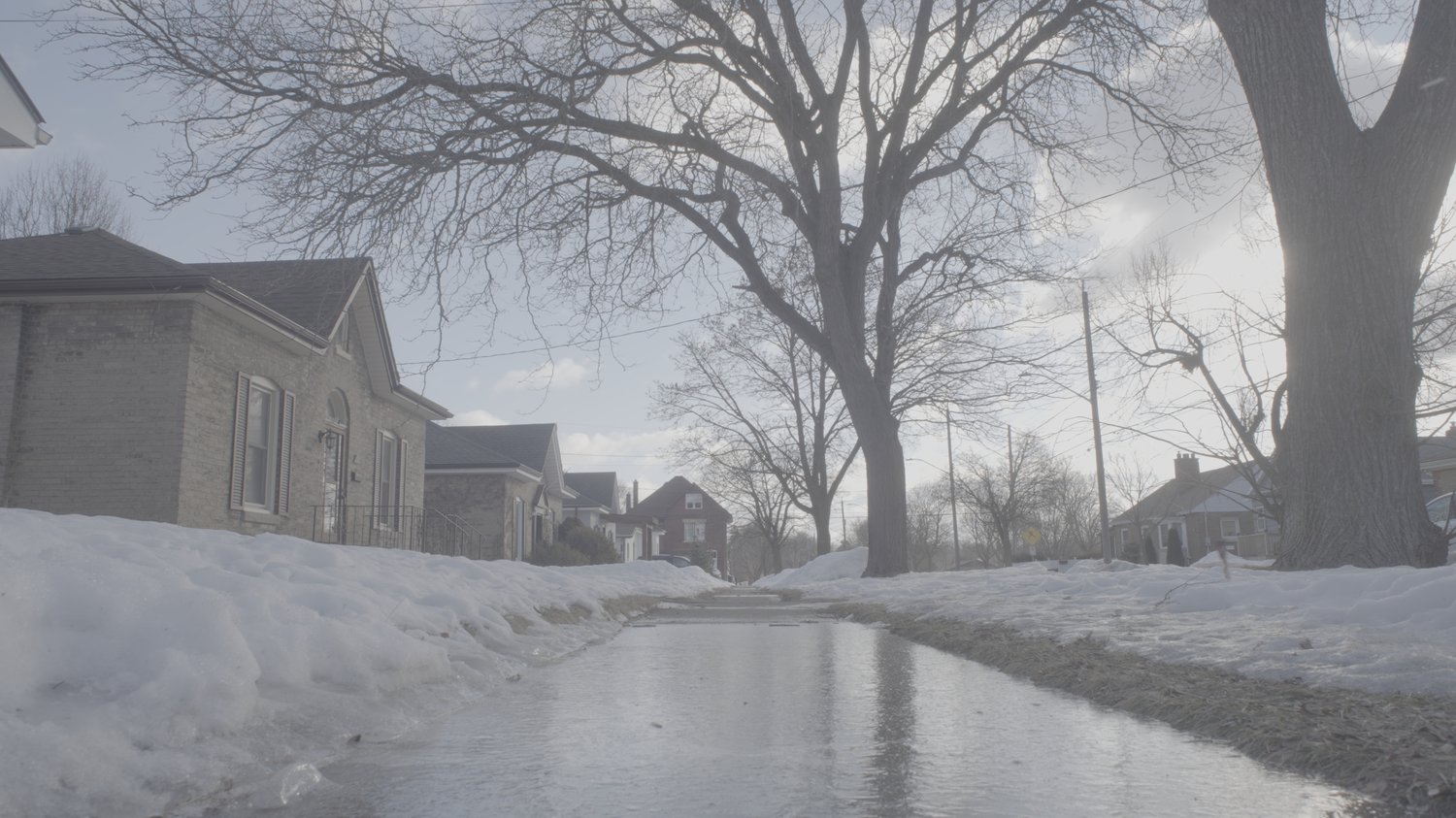
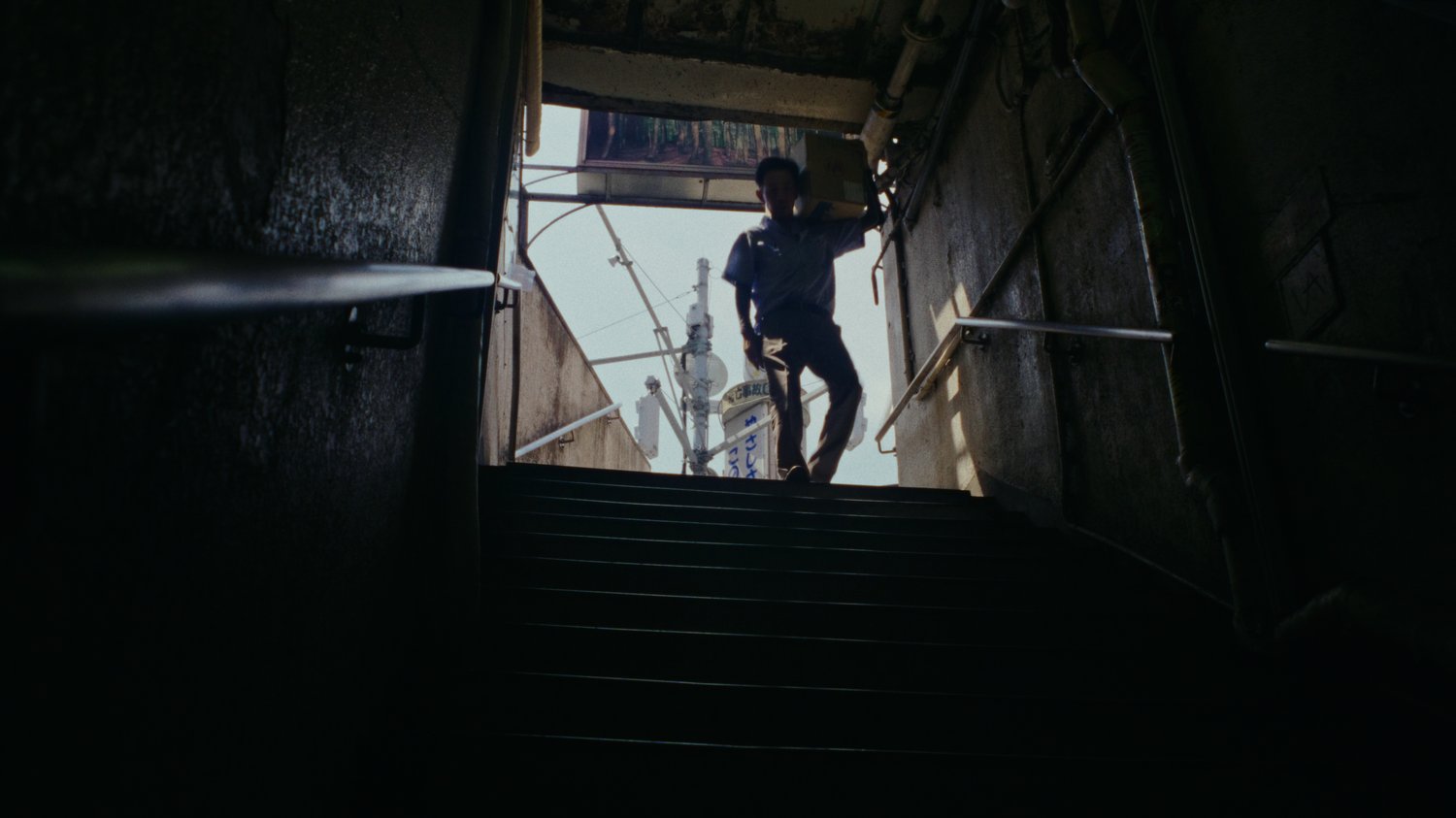
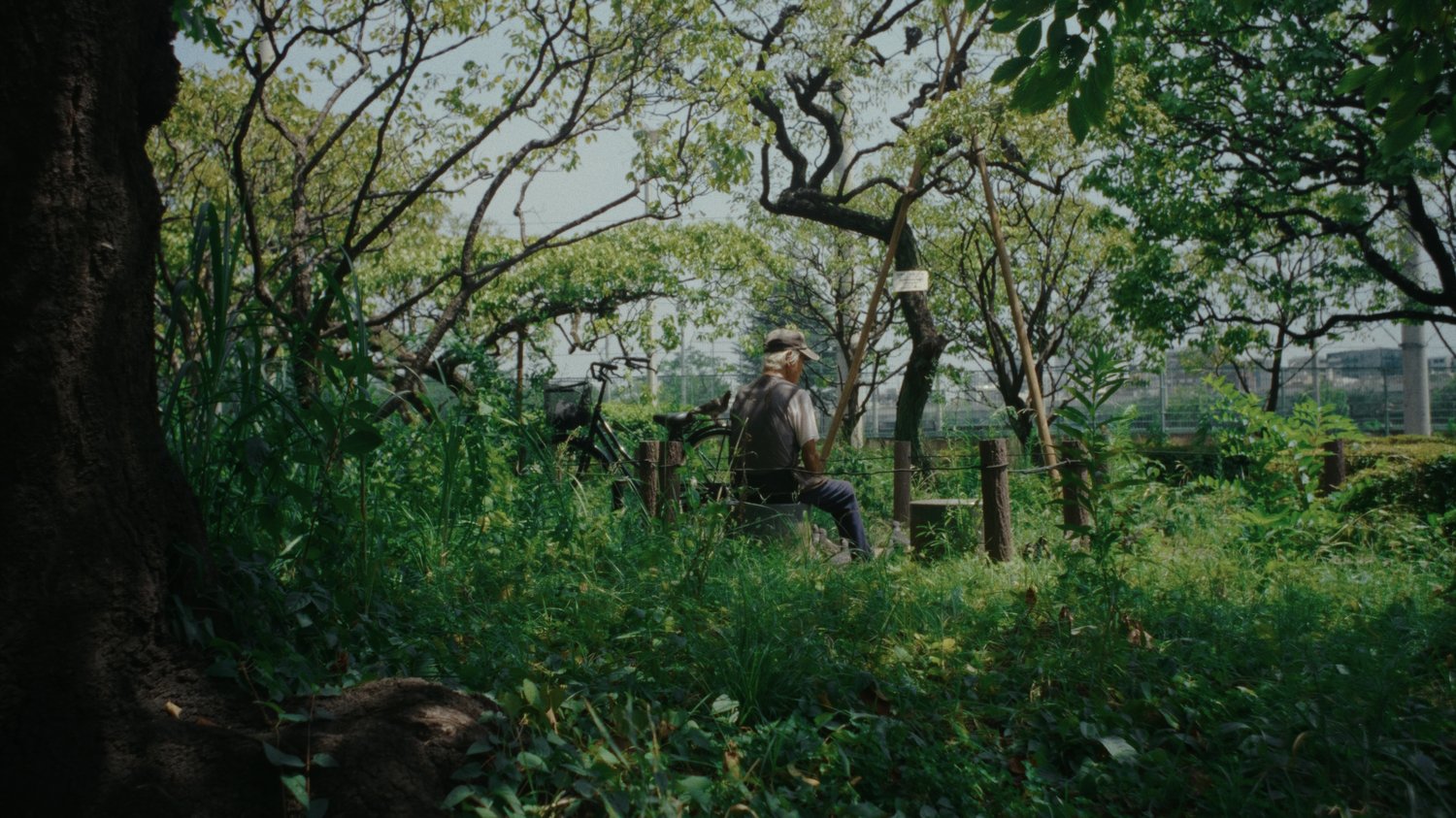
CINEVISTA 210 is a motion picture film emulation PowerGrade and LUT pack designed to emulate the nostalgic look and feel of 16mm and 35mm film.
The look of CINEVISTA 210 was inspired by slice-of-life cinema that treasures small, intimate moments and finds beauty in them. Films like these often carry a sense of nostalgia, warmth, and memory. If you’re looking for LUTs and/or PowerGrades that deliver the “film look” with a professional workflow, this pack was built for you.
CINEVISTA 210 comes in 2 versions; select the one you want above.
1. Camera-specific PowerGrades that work in DaVinci Resolve
2. Camera-specific LUTs that work in any editing software that supports LUTs.
1. Camera-specific LUTs that work in any editing software that supports LUTs.