



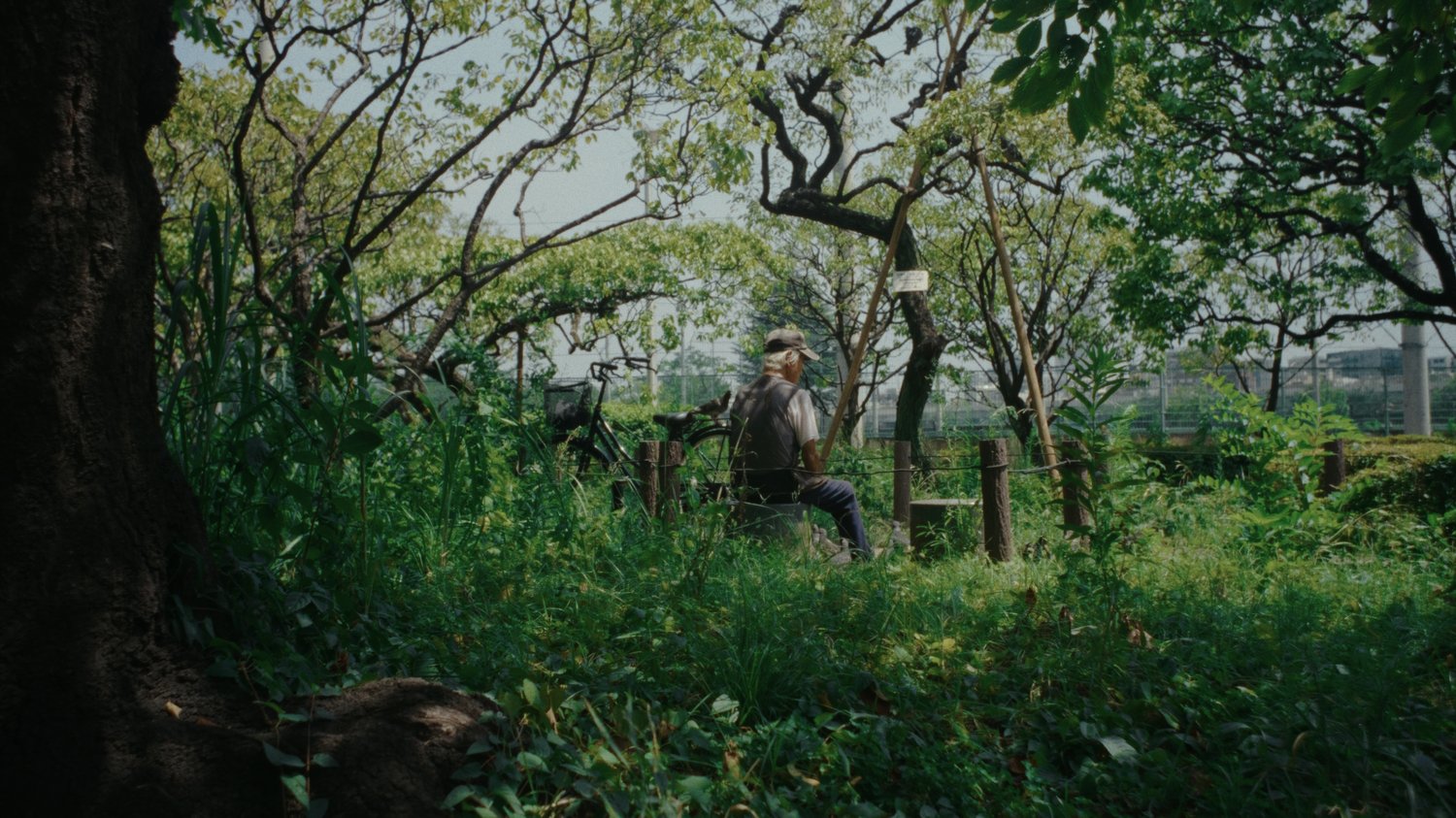

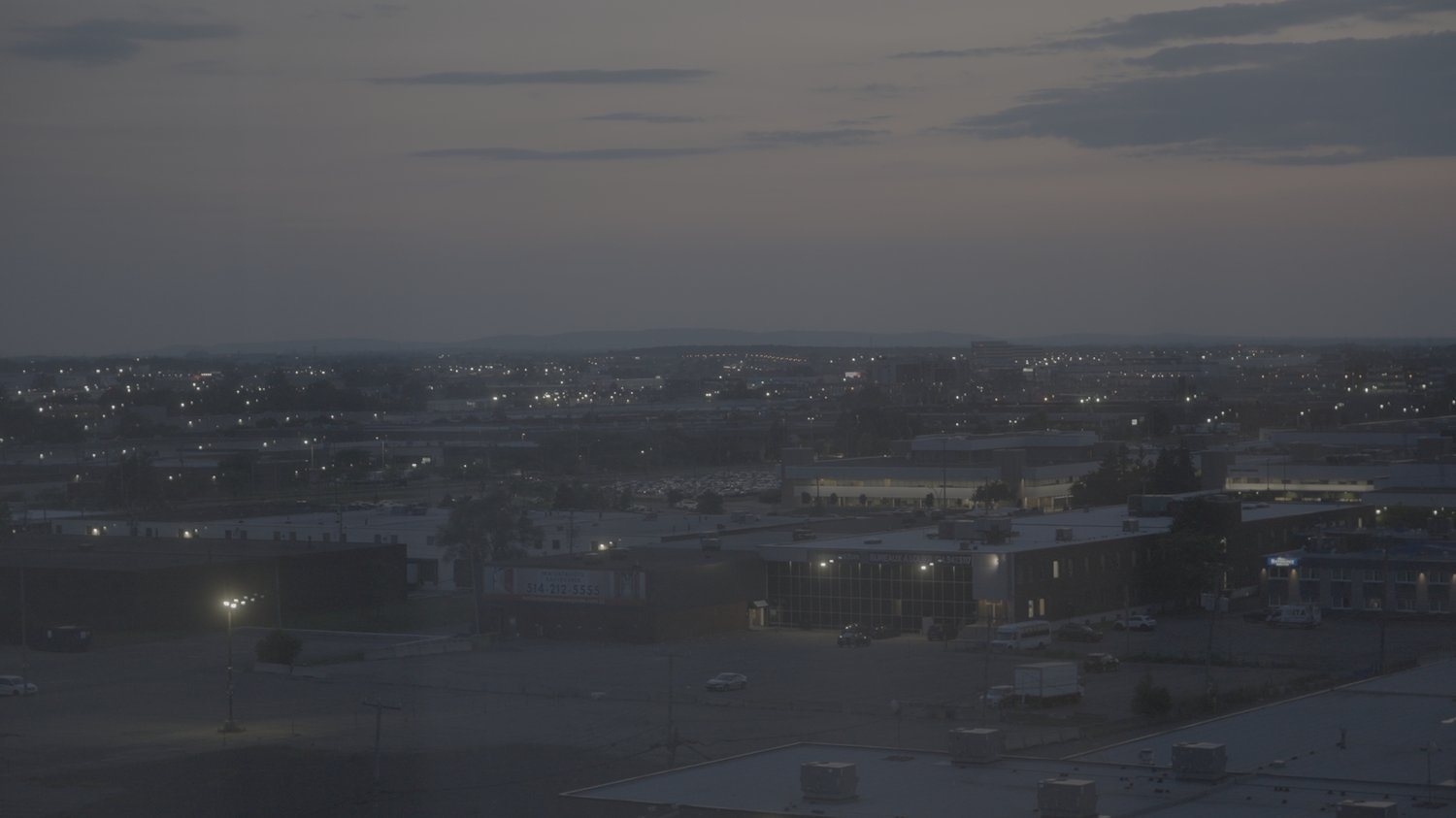









CineVista 210
On Sale
CAD999.99
(10% off)
DaVinci Resolve PowerGrade and LUT Pack
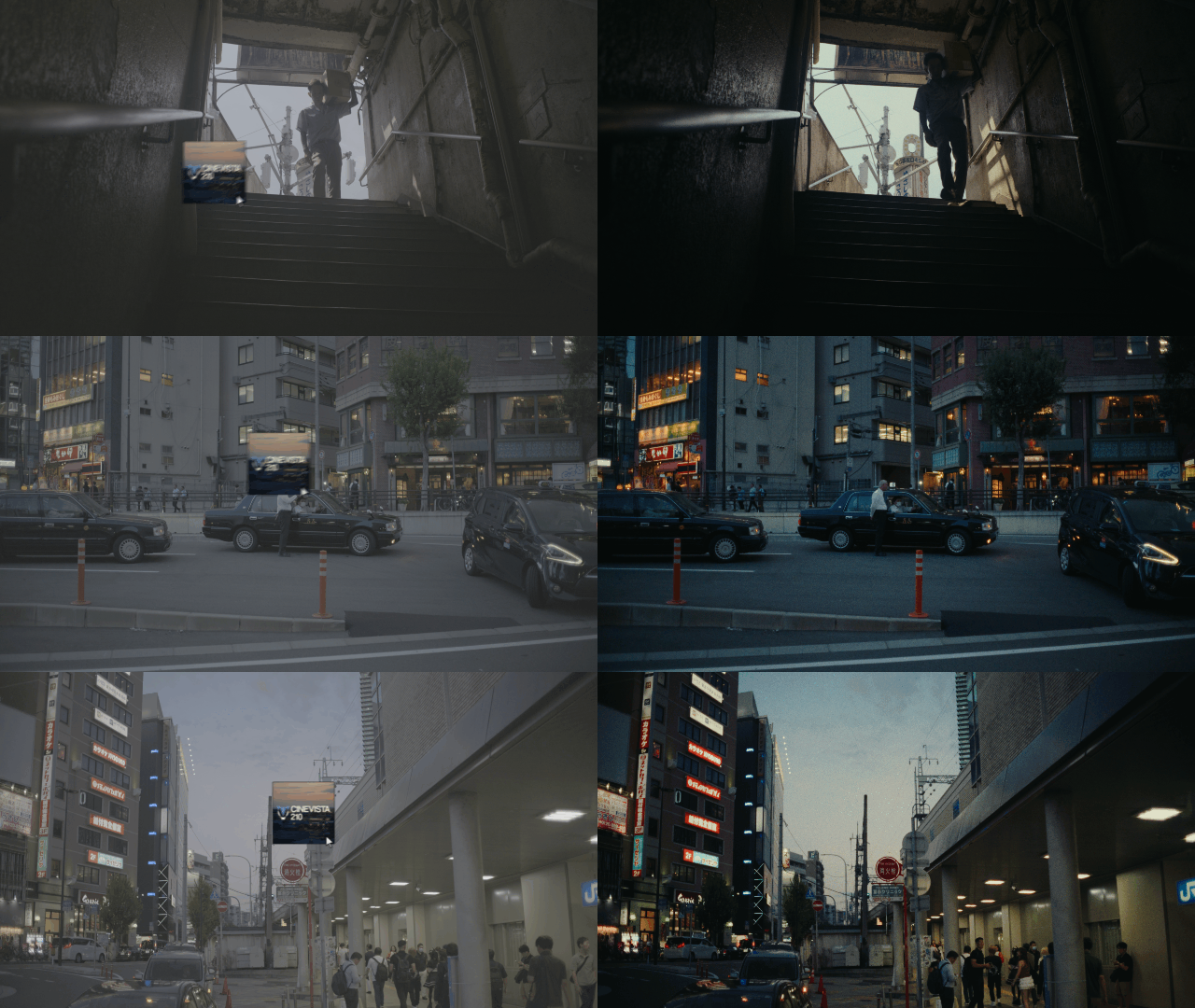
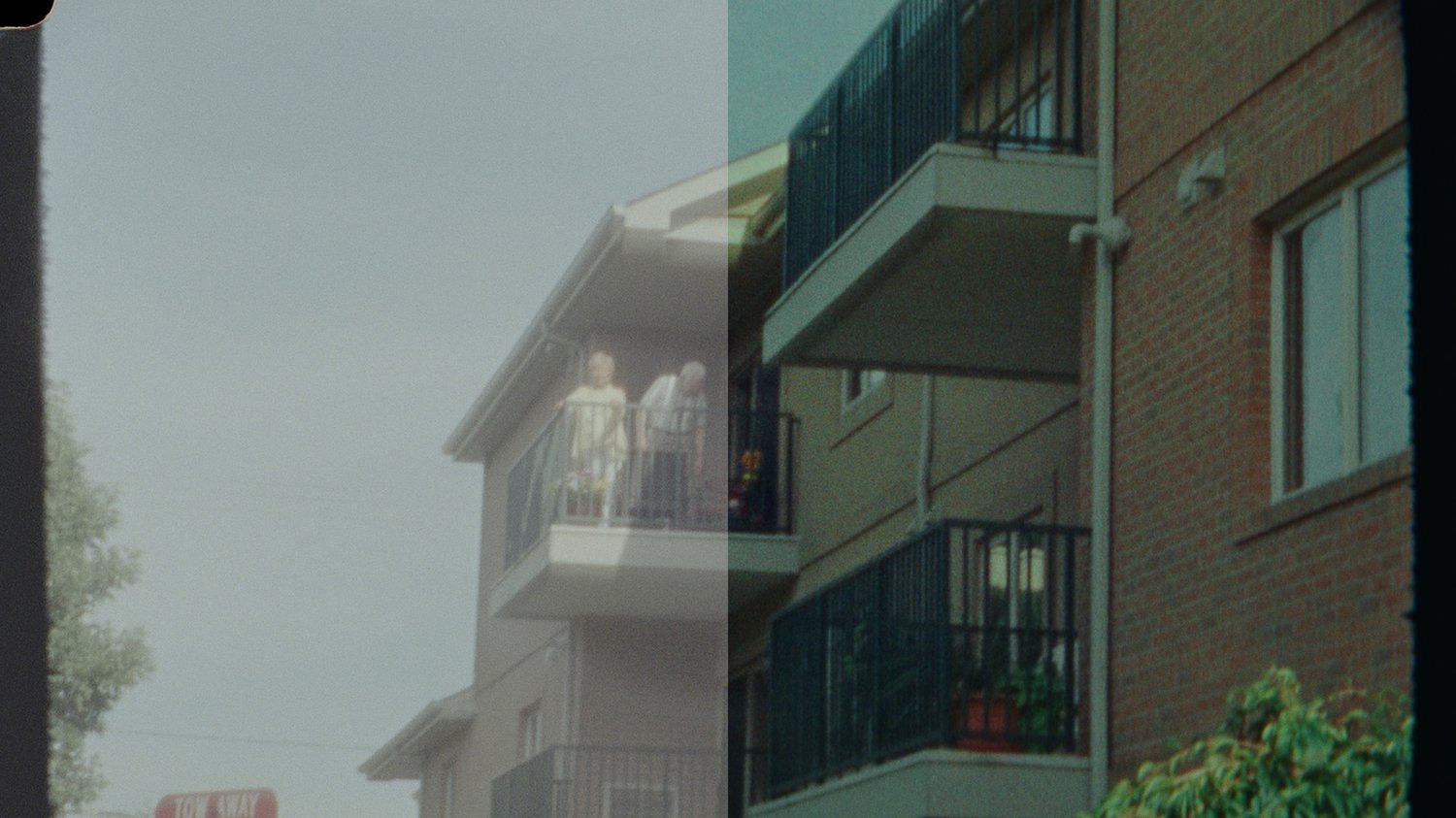
CINEVISTA 210 is a motion picture film emulation PowerGrade and LUT pack designed to emulate the nostalgic look and feel of 16mm and 35mm film.
The Look
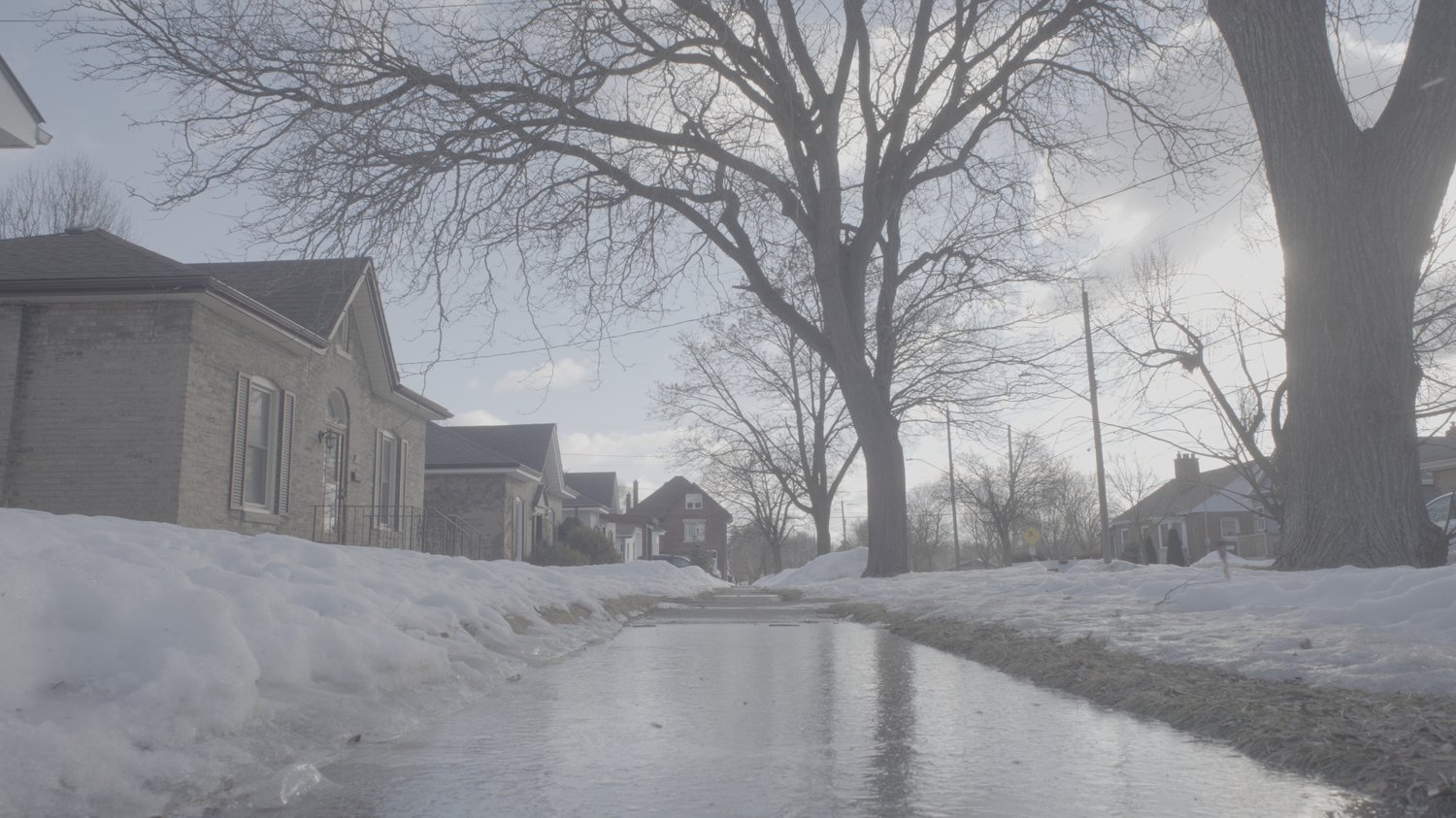
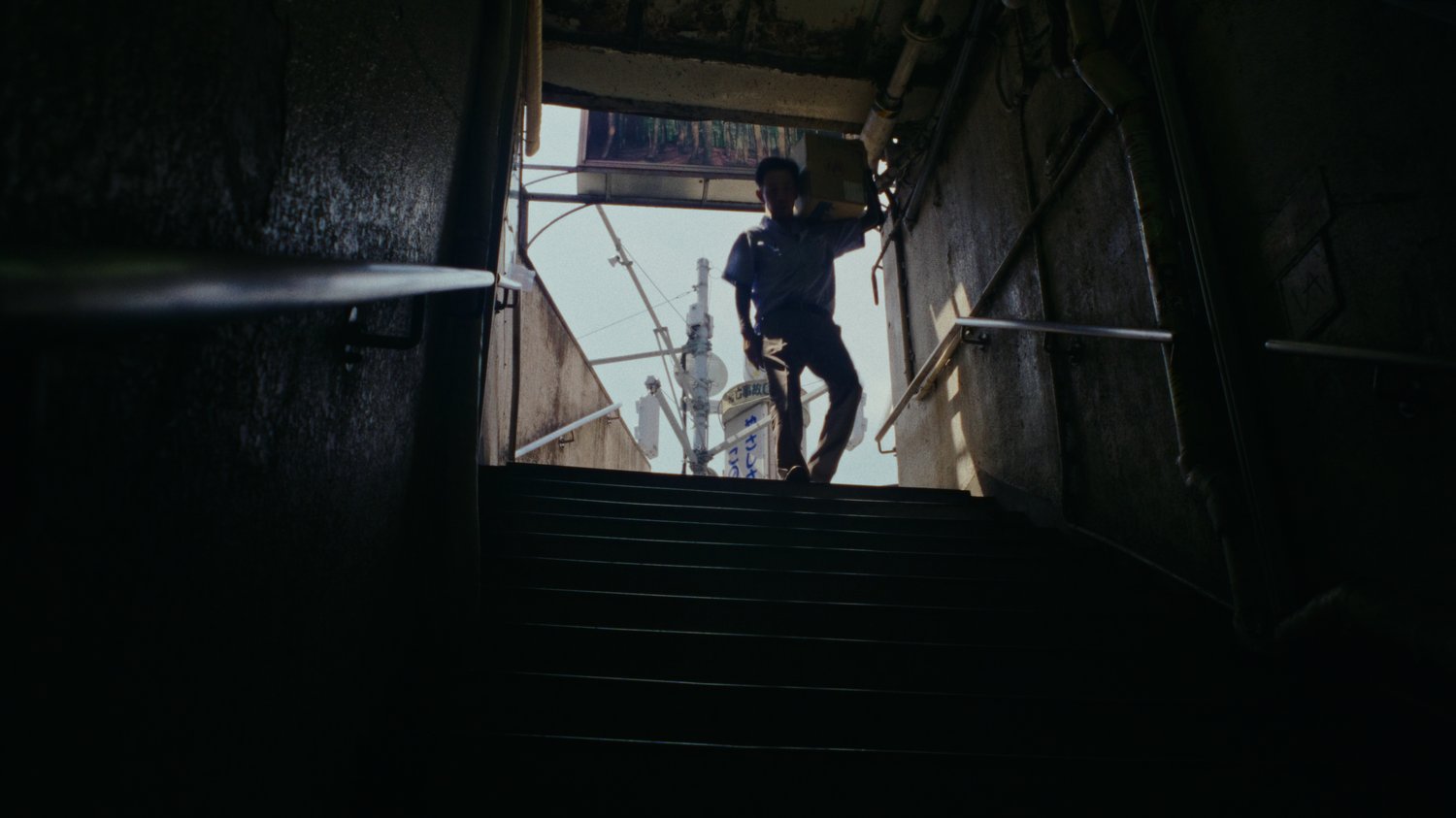
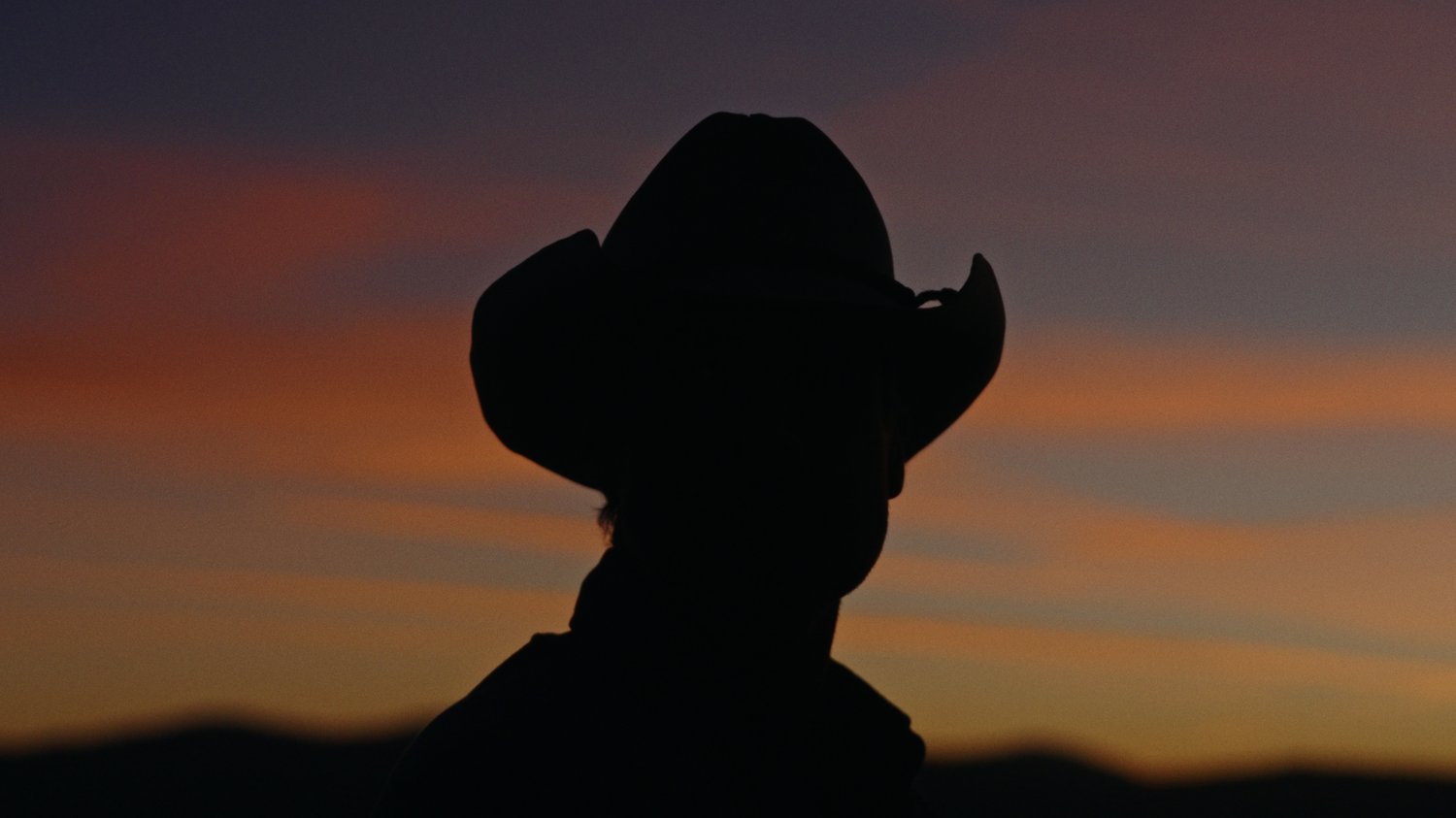
The look of CINEVISTA 210 was inspired by slice-of-life cinema that treasures small, intimate moments and finds beauty in them. Films like these often carry a sense of nostalgia, warmth, and memory. If you’re looking for LUTs and/or PowerGrades that deliver the “film look” with a professional workflow, this pack was built for you.
CINEVISTA 210 comes in 2 versions; select the one you want above.
PowerGrades and LUTs
1. Camera-specific PowerGrades that work in DaVinci Resolve
2. Camera-specific LUTs that work in any editing software that supports LUTs.
LUTs Only
1. Camera-specific LUTs that work in any editing software that supports LUTs.
Currency Conversion
-
LUTs in 4 Varients
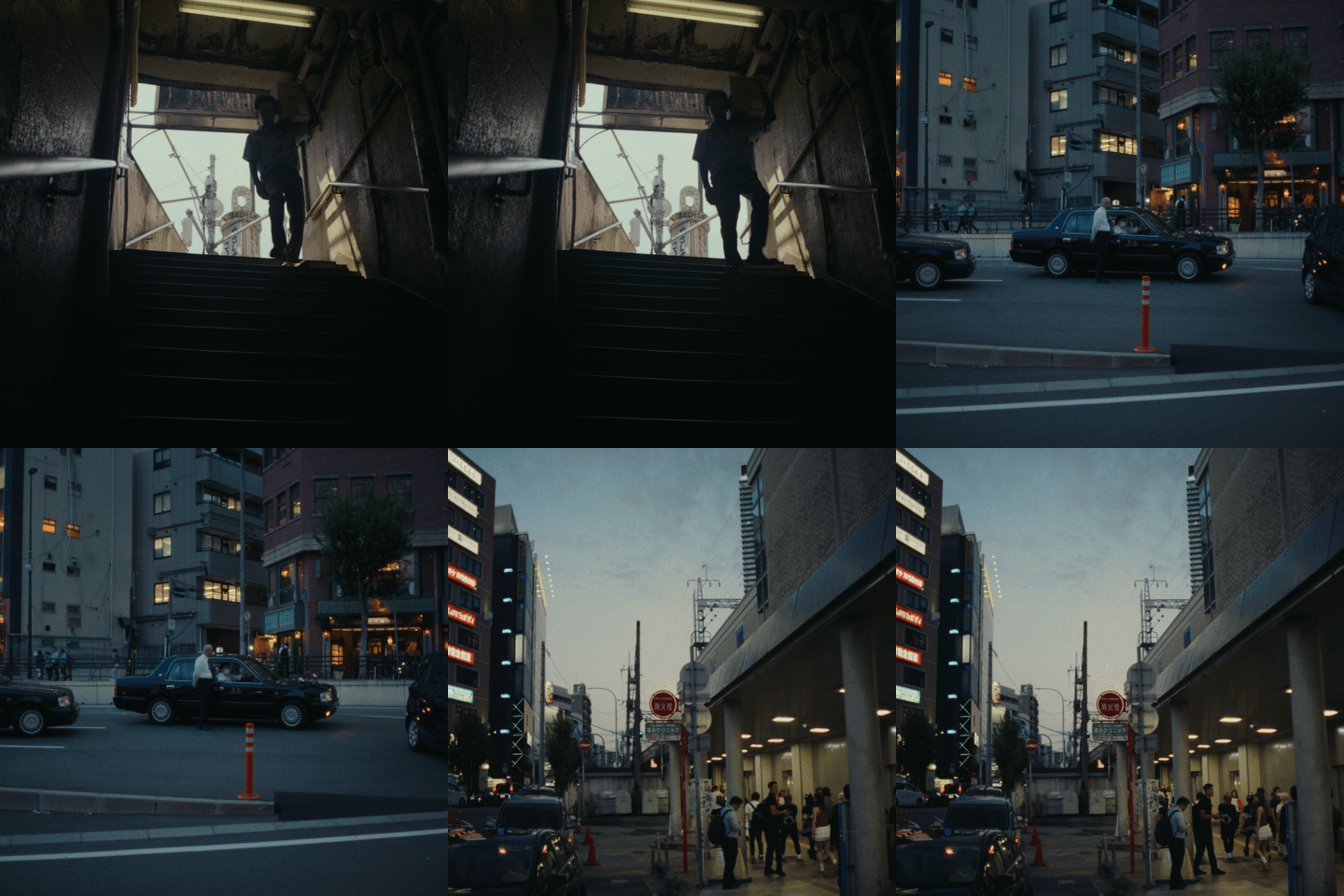
Each camera-specific LUT comes in 4 versions: BASE, DARK, HALF, and MONO. All of which can be used in any editing software or as monitoring LUTs on your camera or iPhone.
-
Professional Workflow
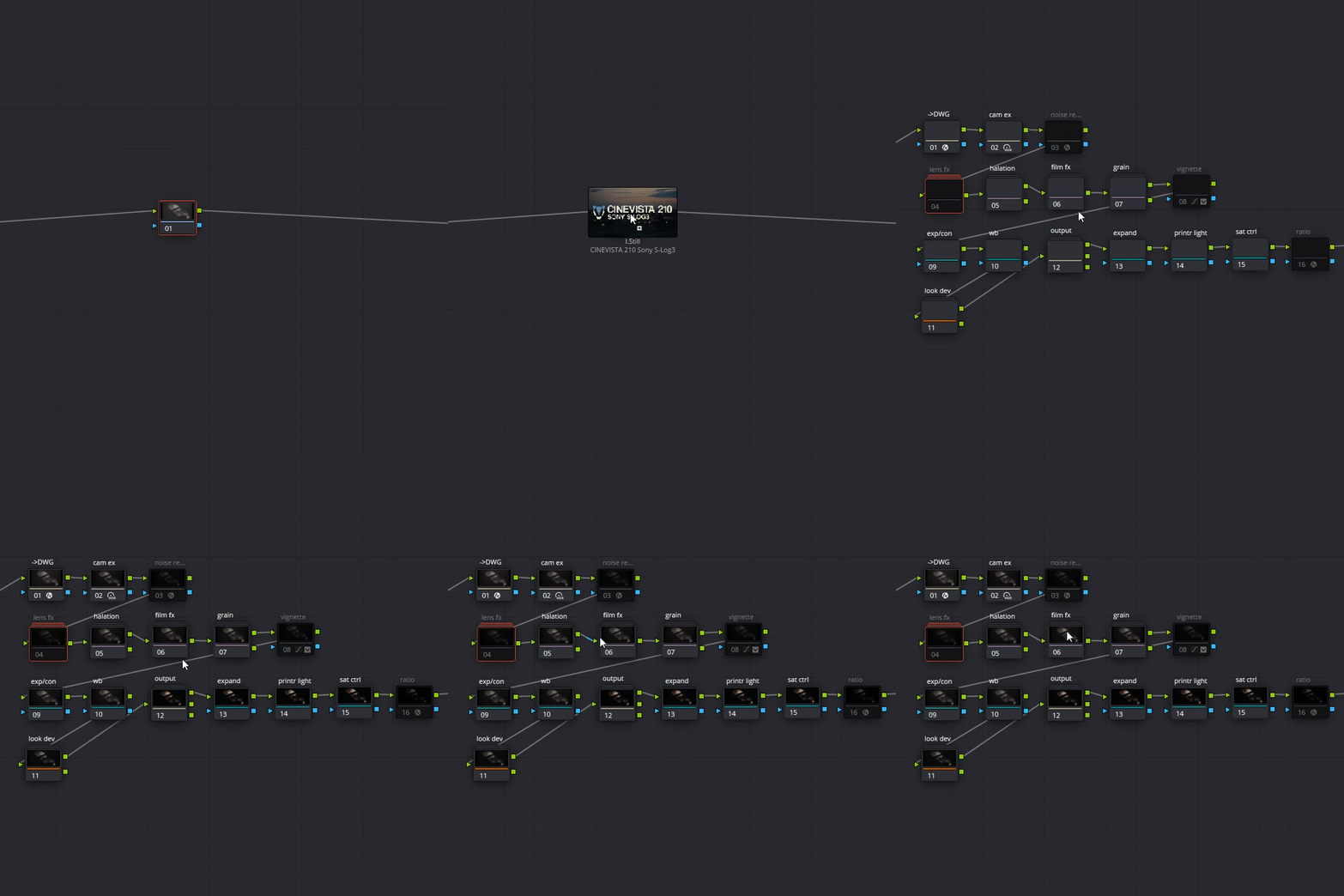
CineVista 210 is built for both professionals and beginners alike. The simple and intuitive node structure is designed to quickly give you a subtle and accurate 16mm & 35mm motion picture film look.
-
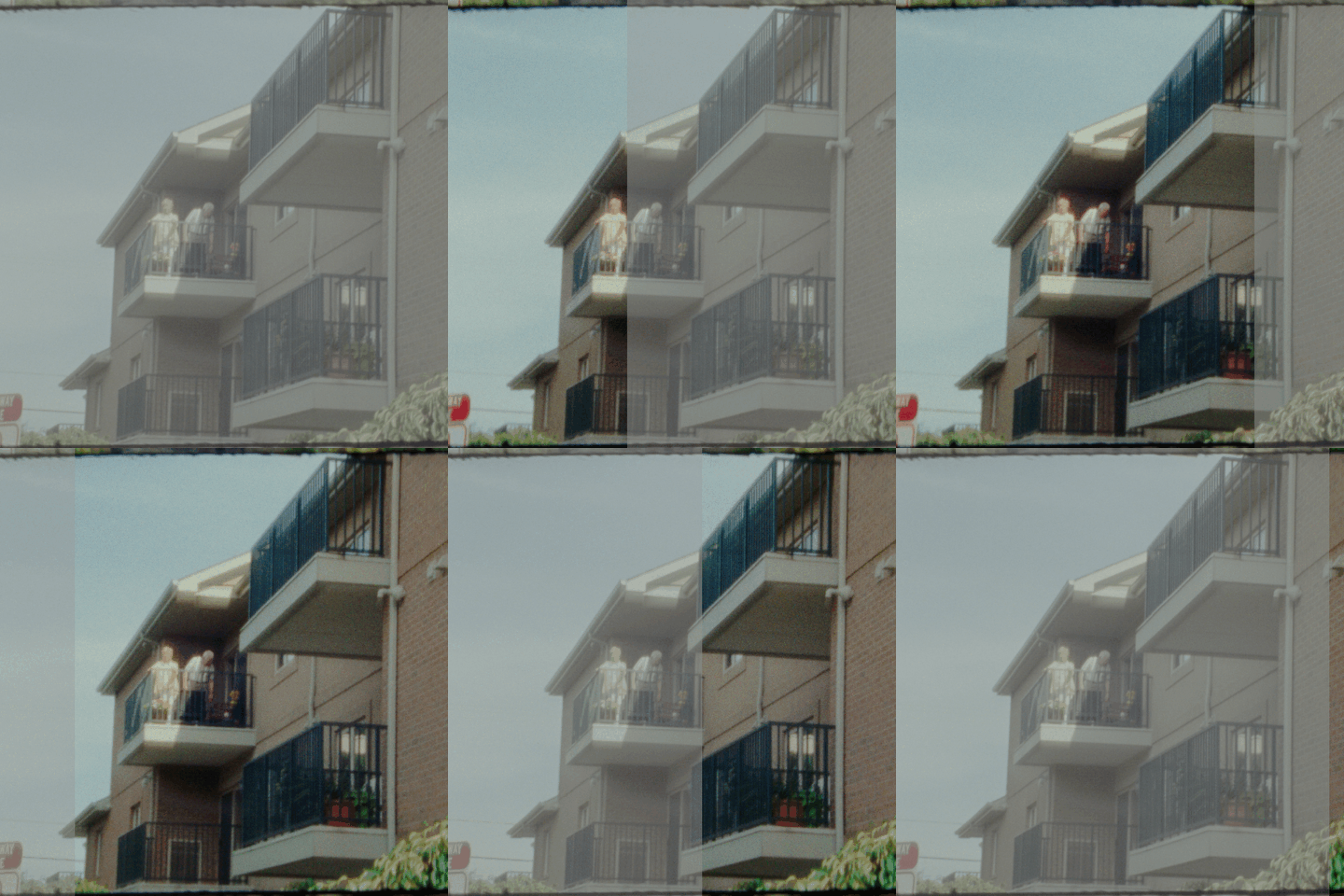
Vintage Characteristics
CineVista 210 offers subtle halation, grain, and lens aberrations reminiscent of shooting on analog film and vintage glass. The LensFX node re-creates vintage lens characteristics that are customizable to taste.
-
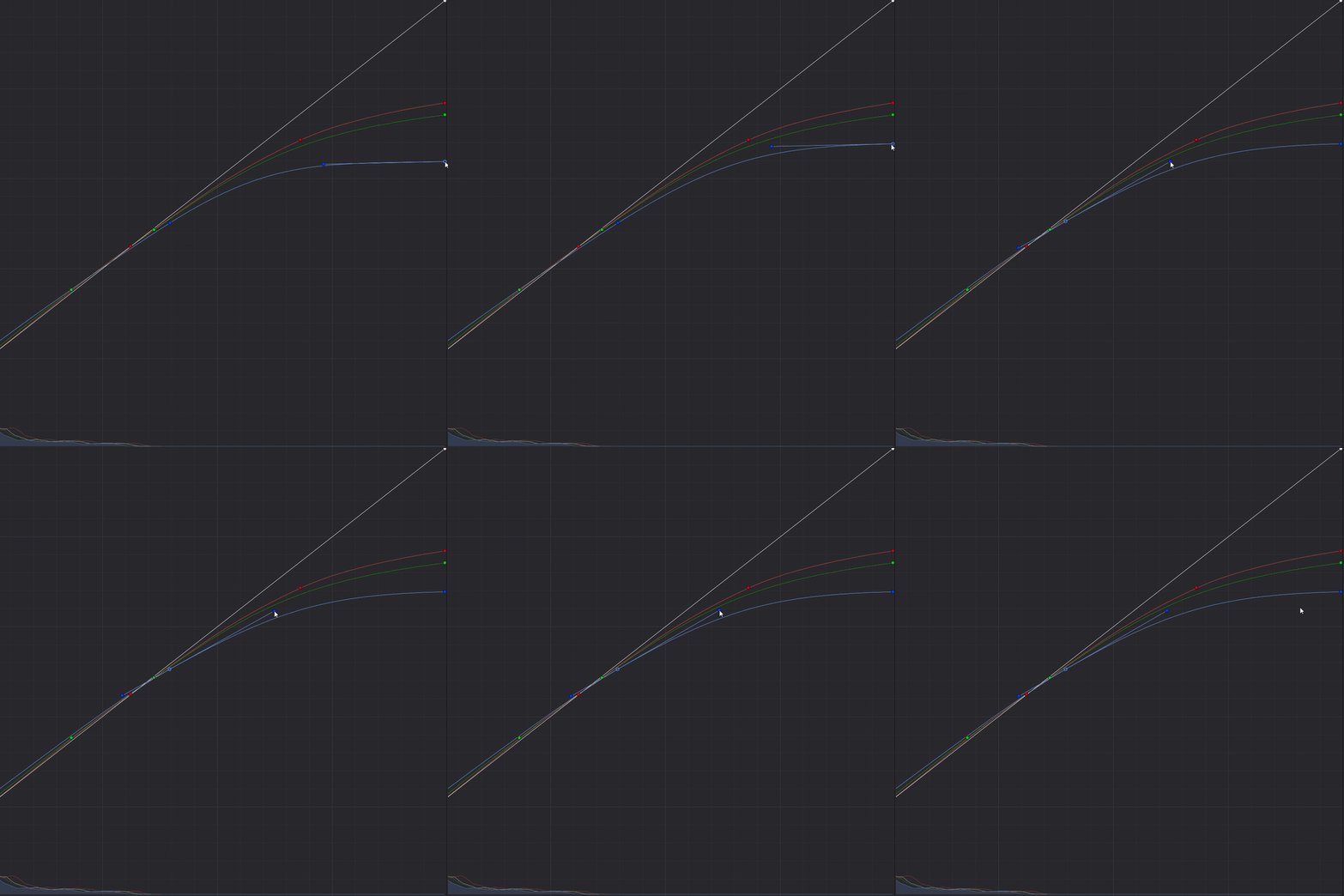
Highly Customizable
CineVista 210 is highly customizable. Whether you prefer a dark and gritty filmic look, or a lighter, more nostalgic feel, this powergrade works equally well for authentic film emulation and clean, modern grading.
-

Included Test Footage
With both the PowerGrade and LUTs bundle, we've included 20 test clips from different cameras so you can practice grading along with the tutorial.
PowerGrade vs LUTs
-
PowerGrades are plug-and-play tools for DaVinci Resolve. They’re prebuilt color grading templates that instantly apply a cinematic look to your footage, giving you complete control over every adjustment. They're more than just presets; it’s a toolkit that brings subtle analog qualities back into your footage, such as soft halation, organic grain, and vintage lens characteristics.
- Works On: Desktop
- Editing Apps: DaVinci Resolve
- Camera File Type: Apple, ARRI, Blackmagic, Canon, DJI, Fujifilm, Nikon, Panasonic, Rec.709 Footage, RED, Sony
-
LUTs (look-up table) are a small file that can be applied to any editing program that supports LUTs, like DaVinci Resolve, Adobe Premiere, or Final Cut Pro, to instantly transform the colors, contrast, and tone of your footage, making it easy to achieve a professional, cinematic look with just one click.
- Works On: Desktop
- Editing Apps: Adobe Premiere, Final Cut and DaVinci
- Camera File Type: Apple, ARRI, Blackmagic, Canon, DJI, Fujifilm, Nikon, Panasonic, Rec.709 Footage, RED, Sony
- Includes ACEScct and DWG scene-referred LUTs for colorists building advanced custom workflows.
LUTs come in 4 versions
- BASE: The Default CINEVISTA 210 Look
- DARK: The Default CINEVISTA 210 Look with the exposure dropped by (-0.75) stops
- HALF: The Default CINEVISTA 210 Look at 50% intensity
- MONO: A Stylized Monochromatic Look that pairs well with the Default CINEVISTA 210 Look
Video Tutorial

Effect Overview
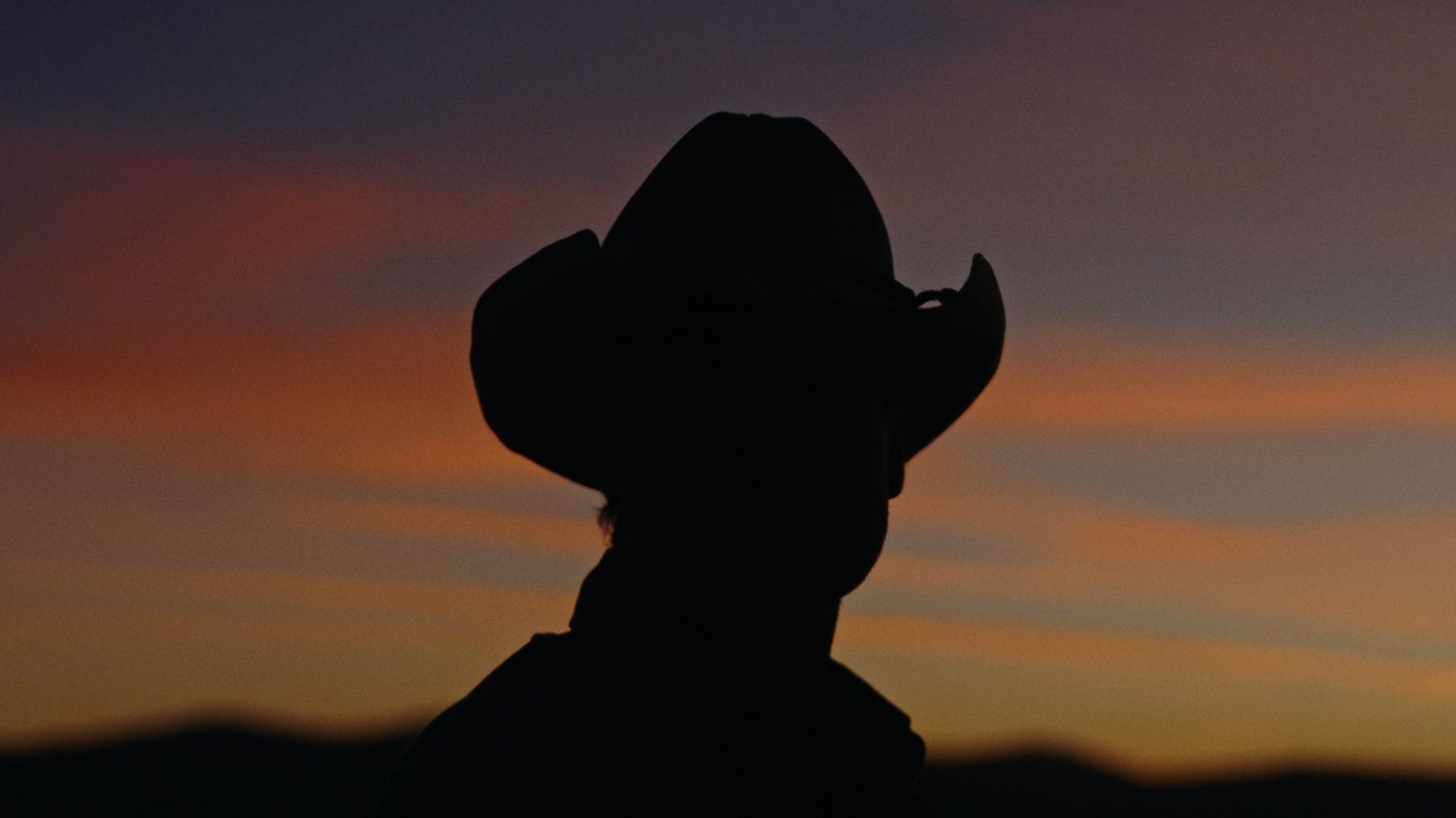
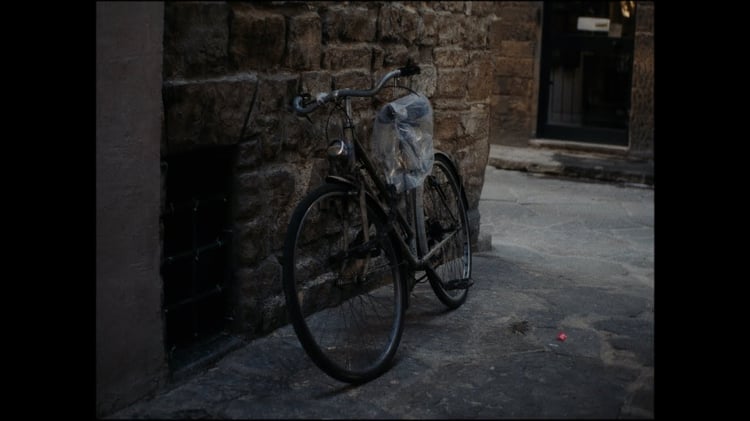
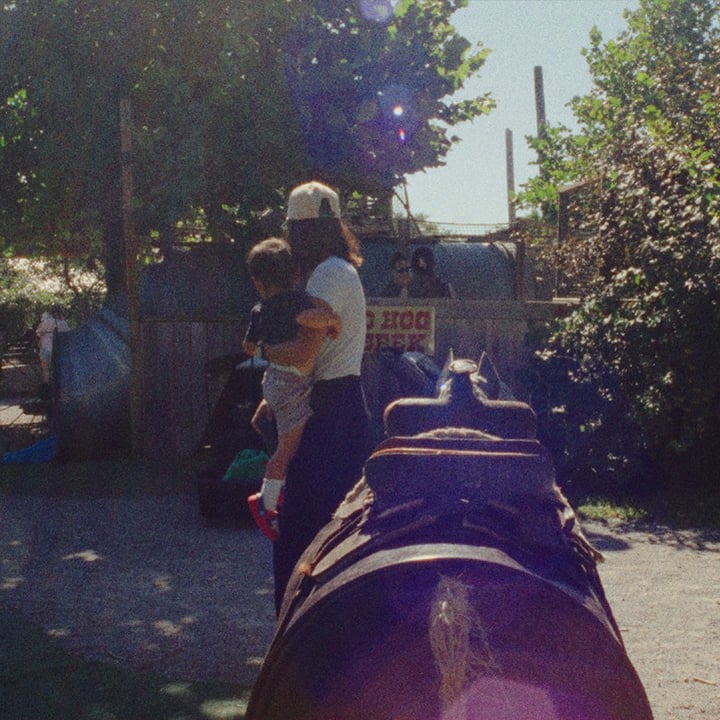
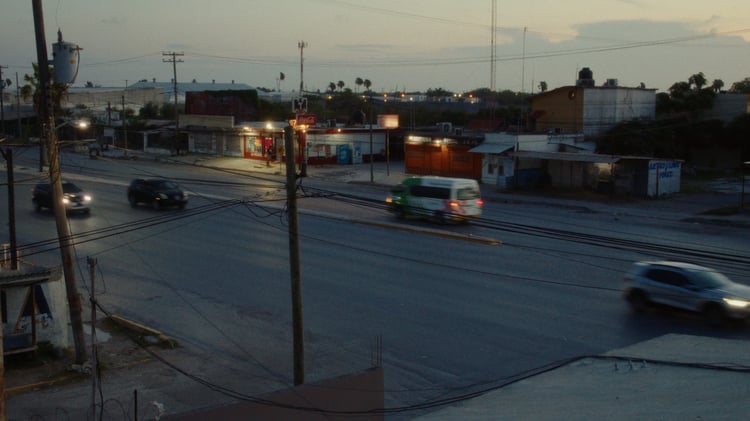
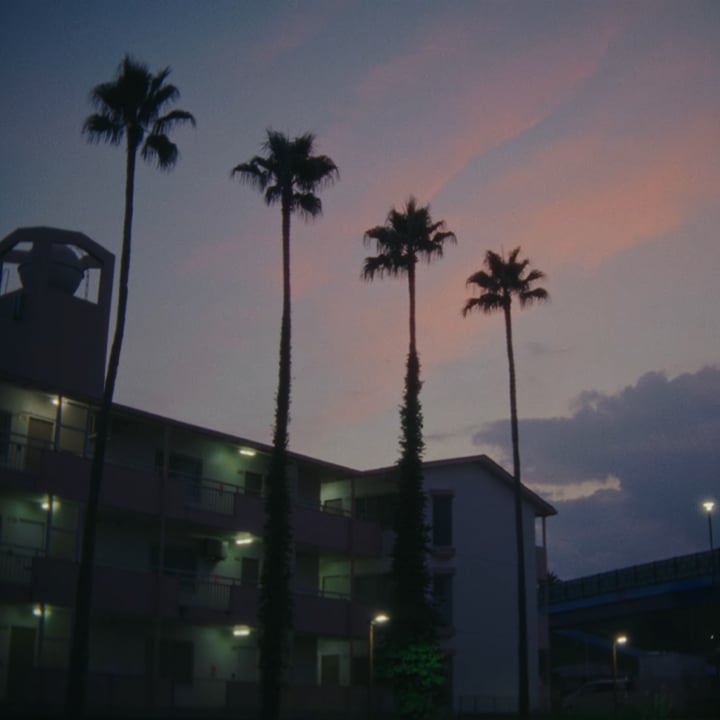
Graded with CineVista 210

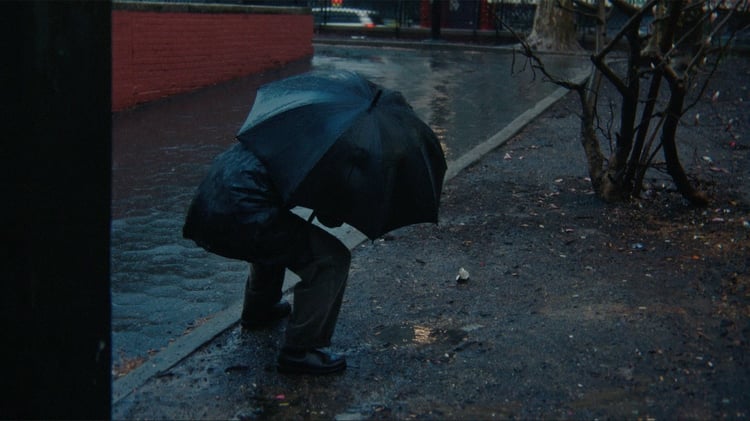
Before and After
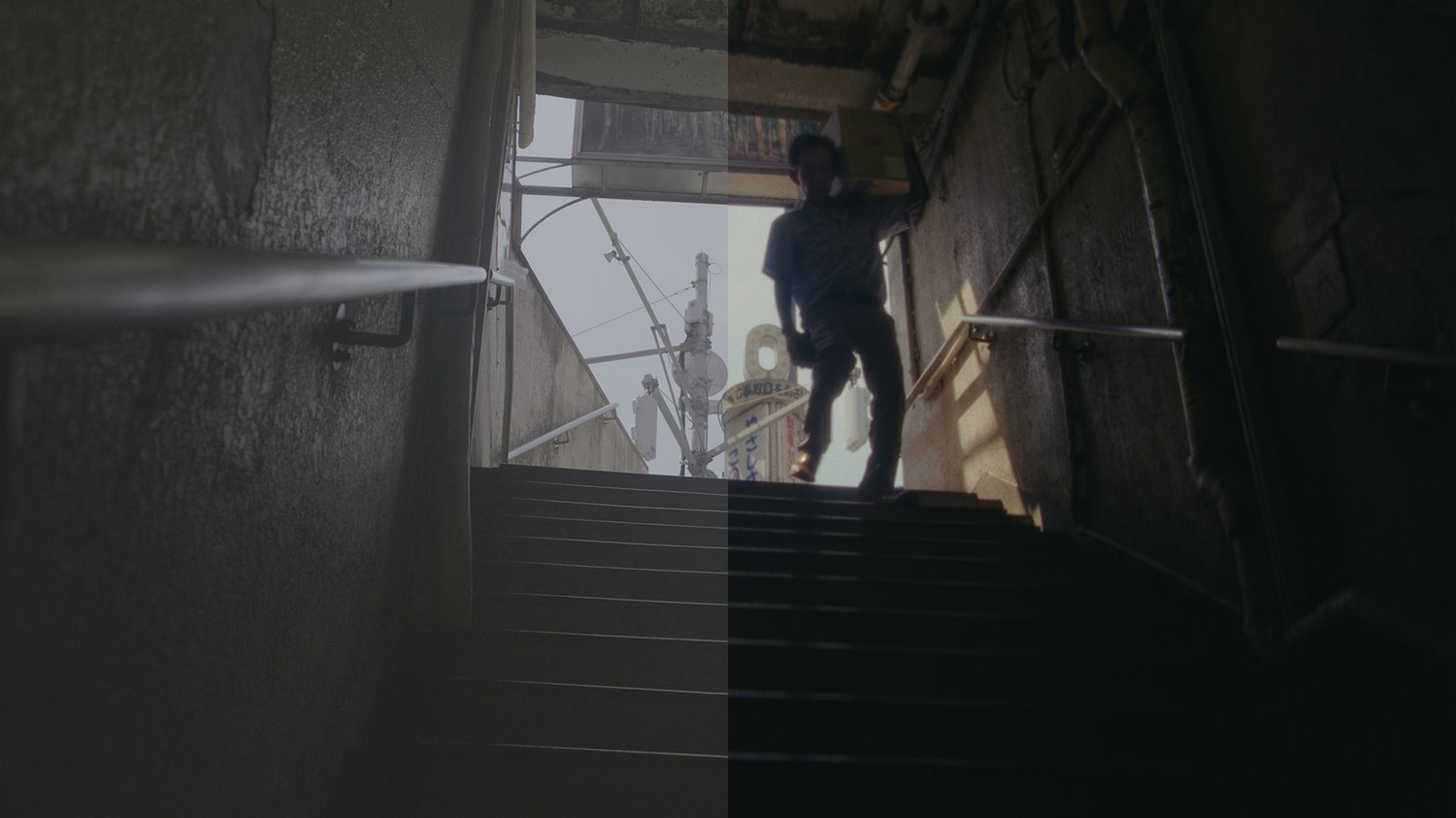

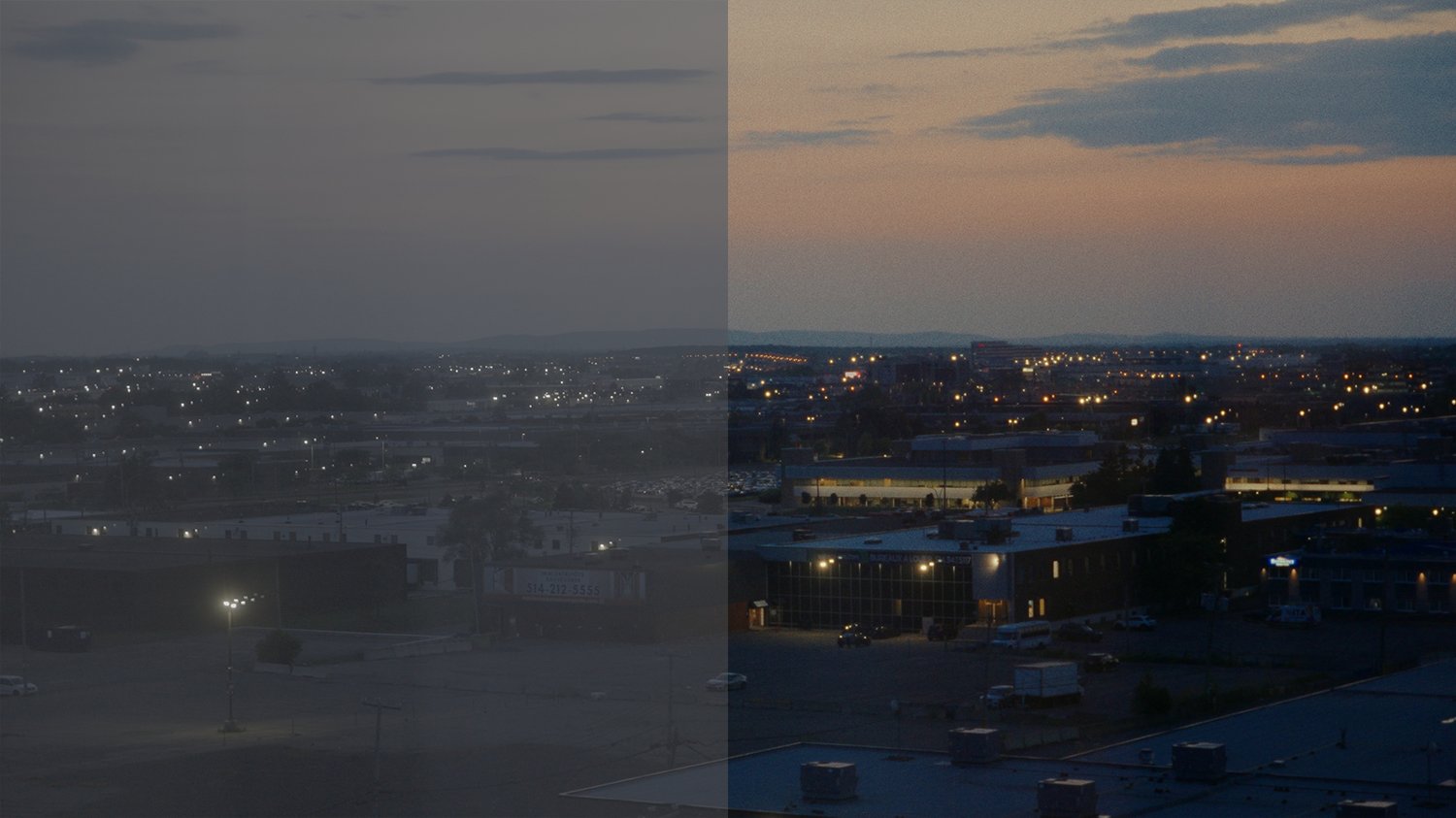
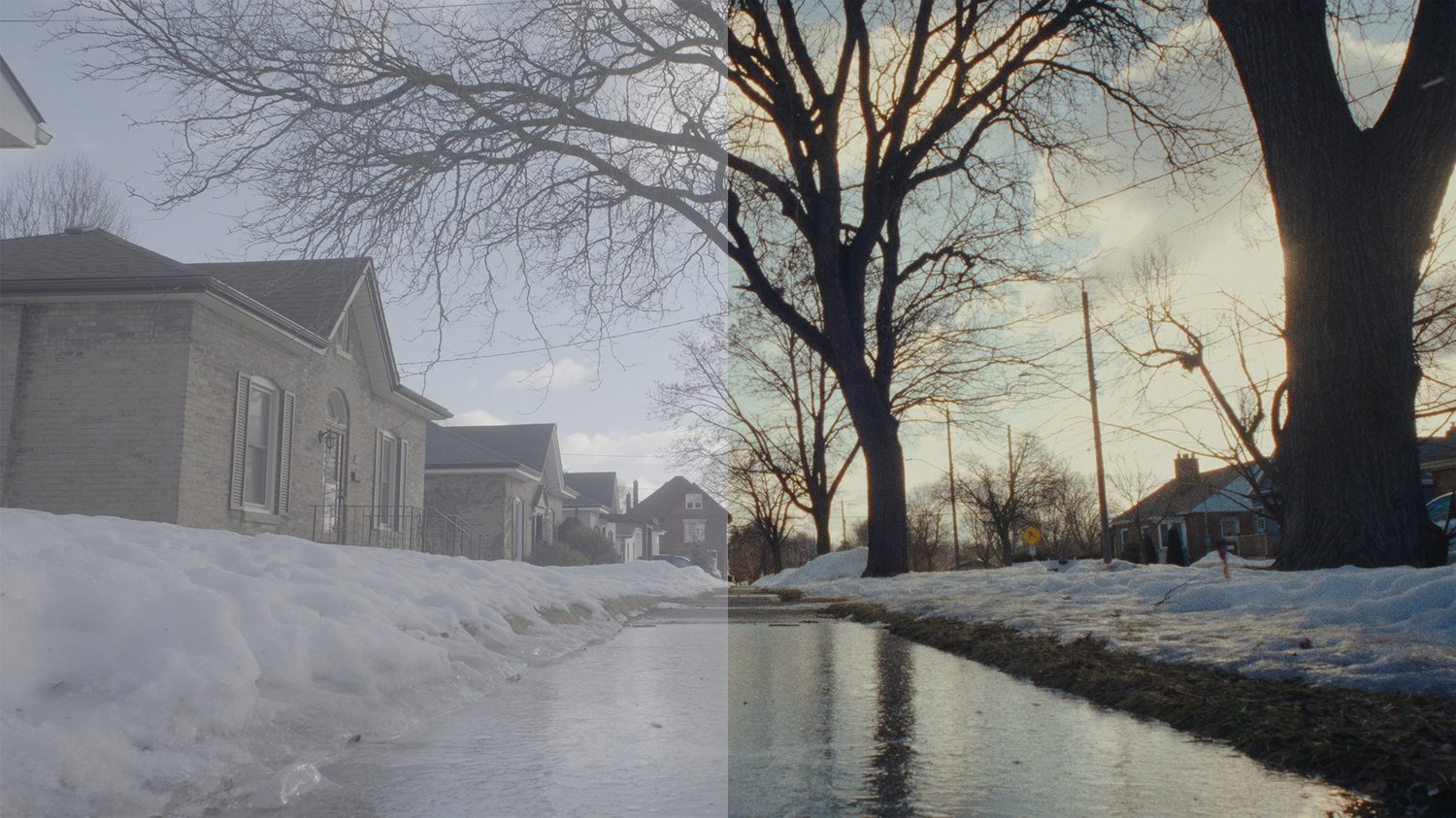
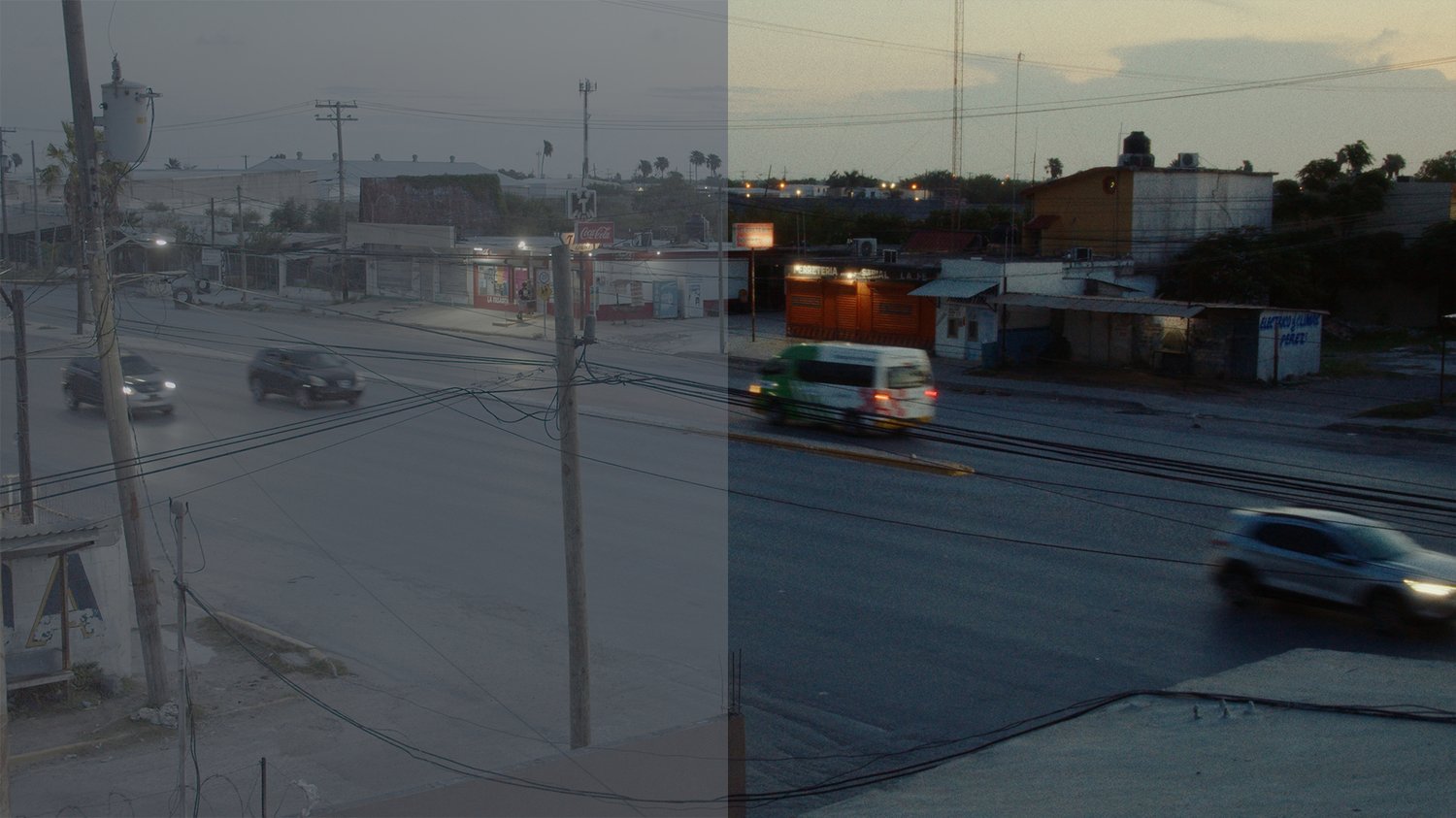



Contact Us
We'd love to hear from you! Please contact us using the form below for any questions or comments.